AI PowerPoint generators compared: which ones output an editable .pptx?
The best AI PowerPoint generator depends on whether you need a true, editable .pptx or just a good-looking deck. Tools that are slide-native, like Plus AI inside PowerPoint, export the cleanest files; web-card tools like Gamma export a translation. heydecks returns a native, editable .pptx from one REST or MCP call, brand-locked.
I've exported decks from most of these tools and then done the part nobody screenshots: reopening the .pptx in actual PowerPoint to change a number, swap a logo, or fix a typo. That second step is where the differences show up. A deck can look identical on a marketing page and behave completely differently once it's a file on your machine, and that gap is what this post is about. I run heydecks, one of the tools below, so read this knowing I have a stake in the answer. I've tried to keep it fair, and for most of these the honest verdict is "good at the job it was built for."
#Which AI PowerPoint generators output a real, editable .pptx?
Here are eight AI PowerPoint generators judged on one thing: what their PowerPoint export actually is when you reopen it. The short version is that tools whose native format is already slides export real, editable files, while tools whose native format is a web page or a custom canvas tend to export a flattened approximation. heydecks goes first because I build it and it's the reason this post exists; the rest follow.
#heydecks
 heydecks returns a live deck link, a PDF, and a native, editable PowerPoint from one API or MCP call, every export locked to your brand by the Brand Kernel.
heydecks is the AI slide creator that AI agents call over REST or MCP. From a prompt, markdown, or a URL it returns a live deck link, a PDF, and a native, editable PowerPoint, every export locked to your brand by the Brand Kernel. The .pptx is treated as a first-class output rather than a print-out of a web page, so the file opens as real slides: text sits in text boxes you can retype, shapes stay shapes. The honest caveat is that heydecks is built for code and agents first. If you want to sit and hand-design a single deck in a browser, one of the UI-first tools below will feel more natural; heydecks earns its place when software has to produce the file with nobody in the editor.
#Gamma
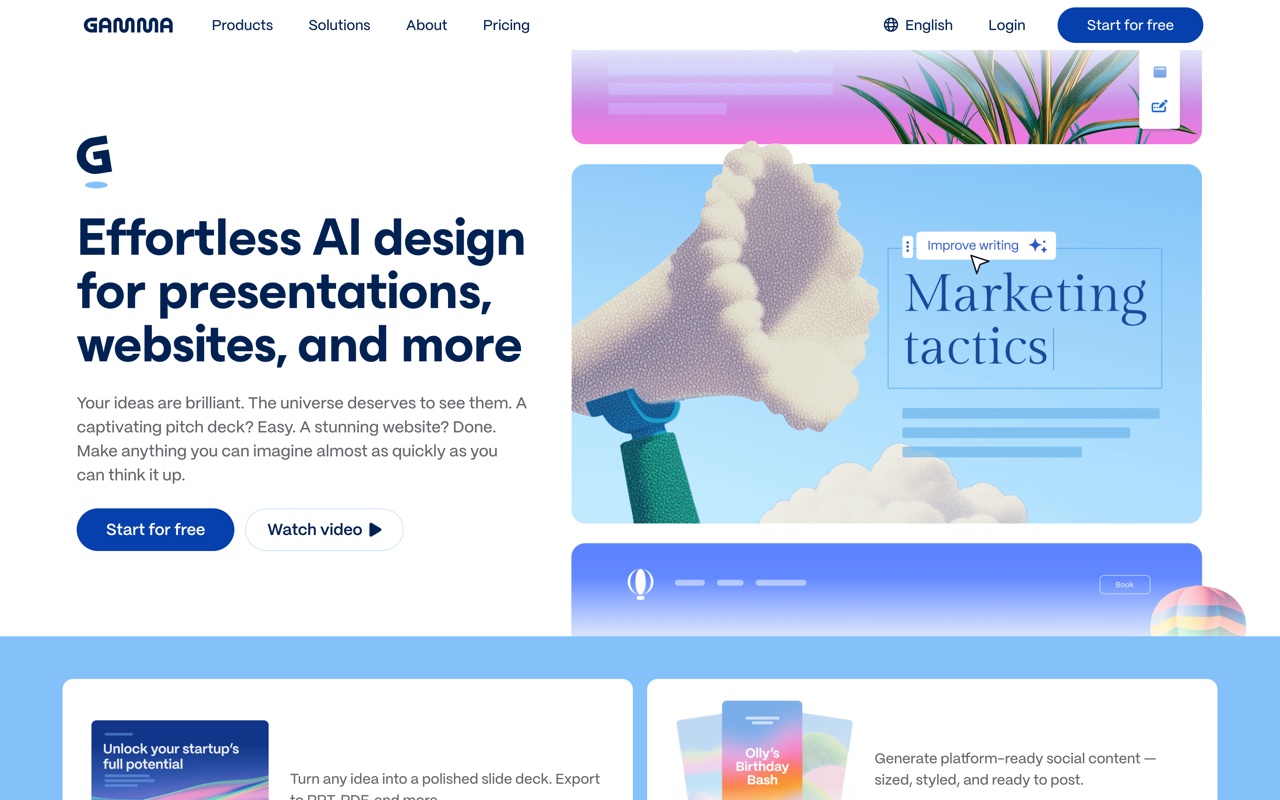 Gamma's card-based generator: fast and polished, with a PowerPoint export that is a conversion from its web cards.
Gamma is excellent at producing a designed deck in about a minute, and for a read-only handoff its export is fine. The friction shows up on re-editing. Gamma's native format is the vertical web card, so the .pptx is a translation, and people who reopen that file to restyle it sometimes meet layouts that don't map onto clean slide objects. If the export is going to be your source of truth and you'll keep editing it in PowerPoint, test a real deck before you commit to it.
#Plus AI
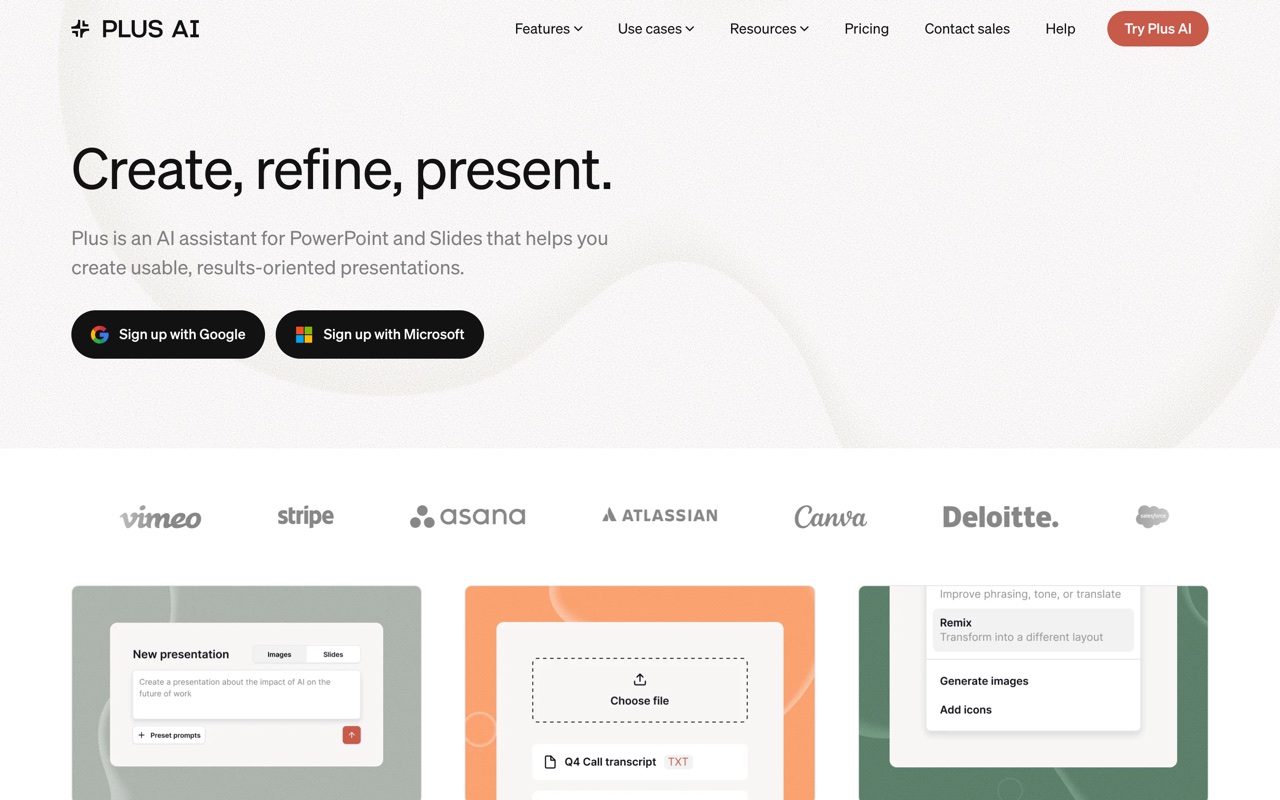 Plus AI runs as an add-on inside Google Slides and PowerPoint, so its output is native by definition.
Plus AI has the structural advantage on this specific question: it generates inside PowerPoint and Google Slides, so there's no export step to flatten anything. What you get is already a native file in the host app. The trade is that you inherit that app. Plus AI is an assistant living inside Slides or PowerPoint, not a standalone canvas with its own design opinions, and there's no API to call it from your own code. If never leaving PowerPoint is the goal, the Plus AI alternative breakdown covers where that approach starts to pinch.
#Canva
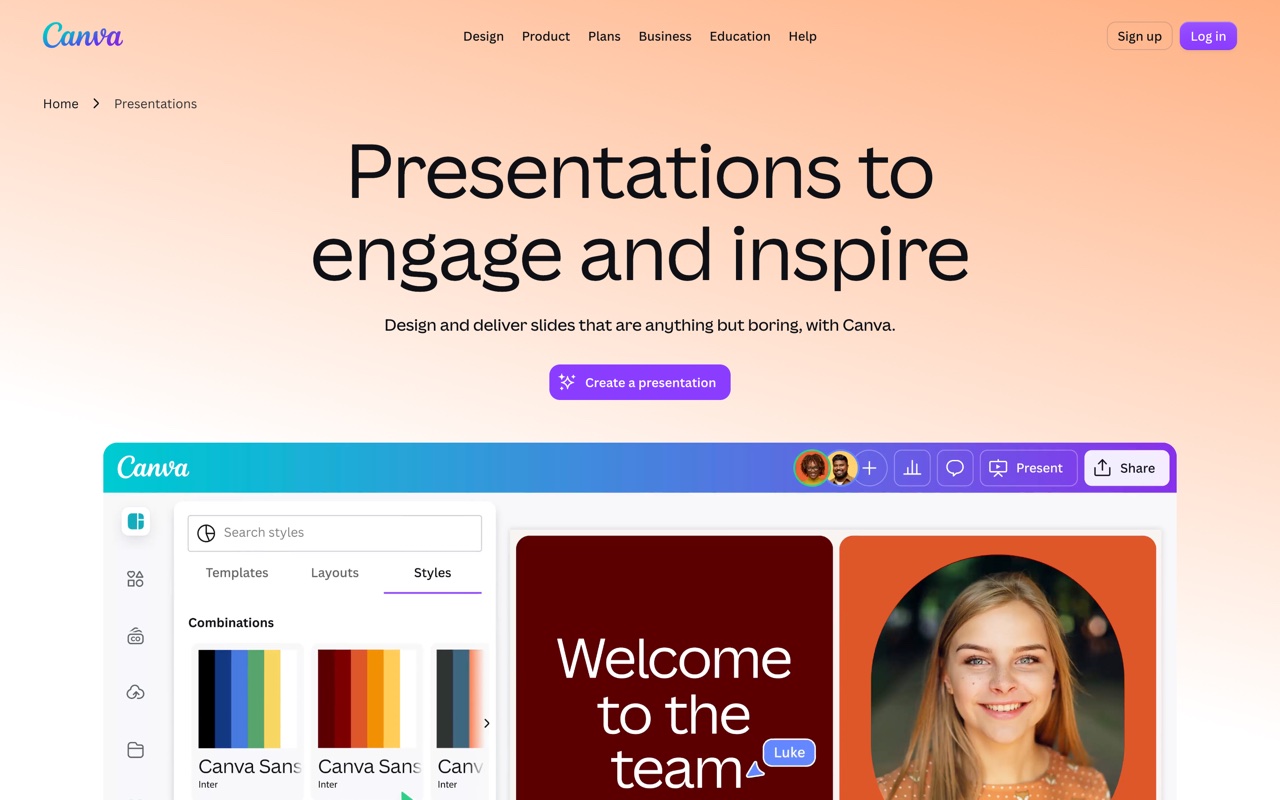 Canva folds AI decks into a much larger design suite via Magic Design.
Canva exports to .pptx and most text survives as editable text, which already puts it ahead of the web-page tools. The catch is Canva's own design primitives: some frames, grids, and custom elements don't map one-to-one onto PowerPoint objects, so parts of a complex slide can land as flattened images. For simple, text-led decks the export holds up well. Canva makes the most sense if your team already lives in it for everything else.
#Beautiful.ai
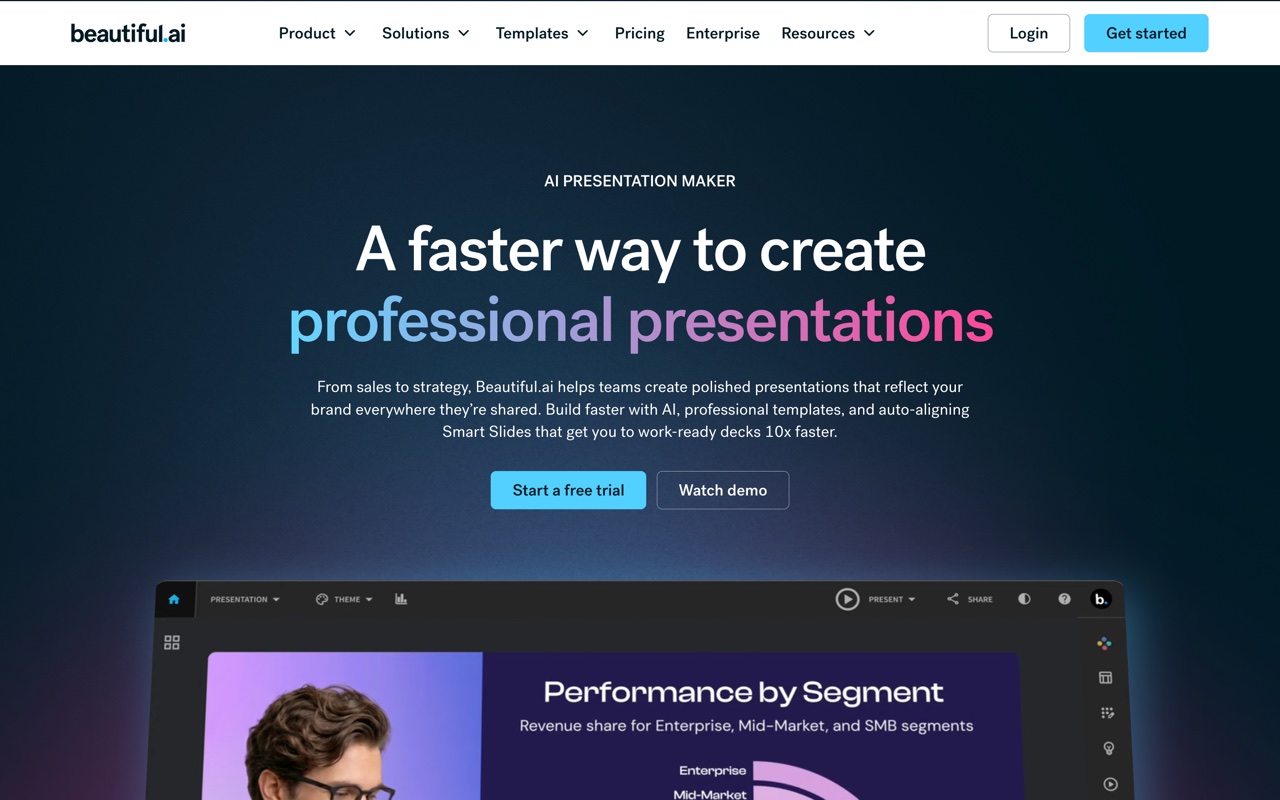 Beautiful.ai leans on smart templates that re-balance the layout as you add content.
Beautiful.ai's smart templates keep slides tidy without a designer, and it exports .pptx on paid plans. The thing to know is that those adaptive layouts are the product, and they don't travel. Once a smart slide becomes a static .pptx, the auto-balancing logic is gone and you're editing a normal, sometimes awkwardly grouped set of objects. Good for staying on-brand inside Beautiful.ai, less ideal if PowerPoint is where the deck actually lives afterward.
#Presentations.ai
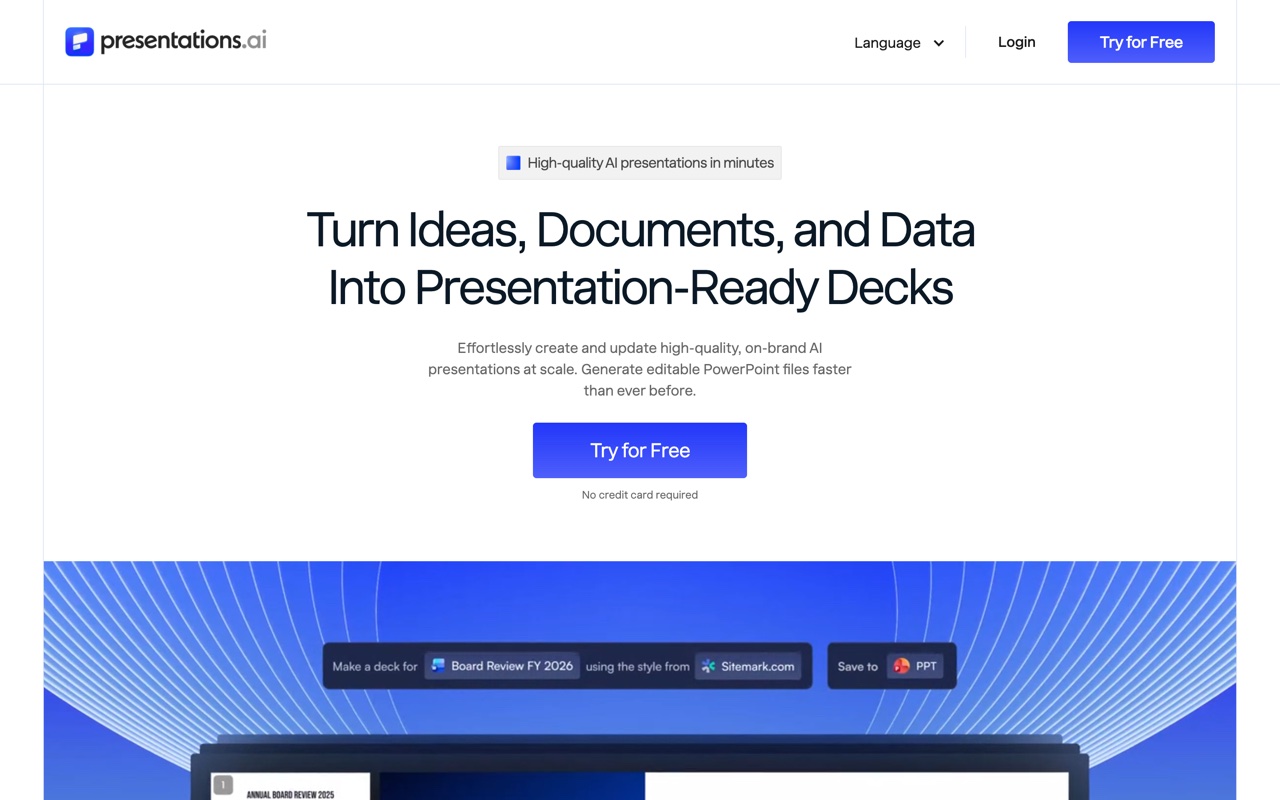 Presentations.ai targets business decks: sales, investor, and board reviews.
Presentations.ai aims at business decks and brand consistency across a team, and it exports to PowerPoint. It's newer and web-first, so the honest move is to judge it on how well a real export survives the trip into whatever your stakeholders actually open. Generate one of your own deck types, export it, and reopen it before you standardize a team on it.
#Decktopus
 Decktopus walks you through a guided flow and adds extras like speaker notes.
Decktopus is built around a guided flow that assembles a first draft from your answers, which lowers the blank-page problem. On export, the design control is coarser than the slide-native tools, and the .pptx reflects its template system more than a clean object-by-object build. Fine for a quick draft you'll mostly present as-is; weaker if you plan to take the file apart in PowerPoint later.
#Slidebean
 Slidebean is content-first: you write, it handles the design pass.
Slidebean separates content from design, which is genuinely useful for founders who want to focus on the pitch story and let the system style it. Its export gives you a file, but the fidelity tracks its templates, and heavy re-editing in PowerPoint can mean fighting the styling it applied. It's narrower than the general tools here, aimed squarely at pitch decks, and the interface shows its age in a few places.
#How do they compare on export, brand control, and API access?
The fastest read is a table built on the three columns that decide most of this: whether the .pptx is genuinely editable, how tightly you can hold your brand, and whether software can call the tool at all. Read it against your own workflow rather than as a leaderboard.
| Tool | Editable .pptx? | Brand control | API / agent path |
|---|---|---|---|
| heydecks | Native, first-class | Brand Kernel, URL-extractable | REST API + hosted MCP |
| Gamma | Export from web cards | Themes | Generate API (beta) |
| Plus AI | Native, runs inside PowerPoint | Inherits your host template | No |
| Canva | Export, mostly editable | Brand Kit (paid) | Limited |
| Beautiful.ai | Export on paid plans | Locked smart templates | No |
| Presentations.ai | Export, web-first | Team brand controls | No |
| Decktopus | Export, coarser control | Template-level | No |
| Slidebean | Export, template-bound | Template-level | No |
Two patterns fall out of that table. Slide-native tools, Plus AI and heydecks by design, hand you a file that behaves like real slides, while the canvas and web-card tools hand you something closer to a picture of one. And only two rows have a real programmatic path, which is the thing that matters the moment a person isn't the one clicking generate.
#What does "editable .pptx" actually mean, and why care?
An editable .pptx is a PowerPoint file where every element is a native object you can change: text lives in text boxes you can retype, shapes stay shapes, and colors and fonts follow the theme. A flattened export looks identical on screen but is closer to a photo of a slide, with text baked into an image you can't select, recolor, or correct.
The distinction is invisible until you need it, which is exactly why it gets skipped on the marketing pages. You generate a deck, it looks great, you download the .pptx, done. Then your CEO wants the Q3 number changed an hour before the board meeting, or legal wants a disclaimer added, or the logo is last quarter's. With a real editable file that's a thirty-second fix. With a flattened one you're either regenerating from the tool or rebuilding the slide by hand. The root cause is architectural: a tool whose native format is slides can write real slide objects, while a tool whose native format is a web page or a styled canvas has to translate, and translation loses things. None of this makes the web-first tools bad. It means you should know which kind of file you're getting before it's an hour before a deadline. For a wider view across the category, my roundup of the best AI presentation makers scores each on more than export, and the Gamma alternatives breakdown groups tools by who's driving them.
#How much does an AI PowerPoint generator cost?
Most AI PowerPoint generators land between free and roughly $20 a month per user, usually with a metered free tier on top. Gamma, Canva, Beautiful.ai, Presentations.ai, and Decktopus all sit in that range, with paid plans unlocking exports, higher limits, or brand controls. The number that bites later isn't the headline monthly price; it's the pricing model underneath it.
Two models dominate. Per-credit pricing, like Gamma's starter pool that doesn't refill, is cheap for occasional use and gets expensive fast once you generate often. Flat or usage-based pricing suits anything running on a schedule. There's also a hidden cost worth checking: several tools let you generate for free but charge for the .pptx download, so if the editable file is the whole point, price the plan that actually includes it. For developers there's a third axis the consumer tools don't have, which is whether you're paying for a UI seat nobody will sit in or for API calls your code makes.
#How do you use an AI PowerPoint generator?
You describe the deck, the tool drafts it, you refine, then you export. In practice that's about five steps: write a specific prompt covering topic, audience, length, and tone; let the AI generate an outline and slides; pick a theme or your brand; edit the text and images; then download as .pptx or PDF.
A few habits make the output better regardless of which tool you pick. Be specific in the prompt, because "a 10-slide Q3 sales review for our exec team, data-forward, conservative tone" beats "sales deck" every time. Feed it real source material if the tool allows it, since several can build from a document or a URL instead of from scratch. And always read the generated content for accuracy before it leaves your hands, because AI will state things confidently that aren't true. The newer pattern skips the editor entirely: instead of a person typing the prompt, an app or an agent sends it. That's the case the next section is about.
#Is there a free AI PowerPoint generator?
Yes, but "free" almost always means "free to try," not "free to run at volume." Canva has a genuinely useful free plan because presentations are a small slice of a much larger product it monetizes elsewhere. Most dedicated AI tools hand you a starter pool of credits or a watermark, then gate the .pptx export or higher limits behind a subscription.
So the real question is what "free" has to cover. For one deck, Canva's free tier or a trial of Beautiful.ai gets you there without paying, and you'll usually still get an editable export. For frequent generation the metered free plans run out quickly, which is why the "free AI PowerPoint generator" searches keep circling back to the same answer: pick the paid model that matches how often you actually generate. If you need a clean editable file once in a while, a free tier is fine; if a pipeline is producing decks every night, you want predictable pricing rather than a credit counter ticking down.
#What if software, not a person, needs to make the .pptx?
This is the case almost none of the tools above were built for: a deck that has to be generated by code or an AI agent, on-brand and editable, with nobody in the editor. heydecks is the AI slide creator that AI agents call over REST or MCP; from a prompt, markdown, or a URL it returns a live deck link, a PDF, and a native, editable PowerPoint, every export locked to your brand by the Brand Kernel, which can be extracted from a public URL.
It is not upload-and-convert. You hand it a prompt or a page and it emits a new artifact your tools can keep editing, the .pptx included. The cases where this matters are specific: a SaaS product shipping every customer a branded report deck, an AI agent whose task includes "produce the deck" as one step, a nightly job turning CRM rows or a markdown export into client decks before anyone's awake. For all of them the question isn't which editor looks best; it's whether a real, editable .pptx can be produced with no human in the loop and still land on brand. If you want the full trade-off against the obvious incumbent, I wrote it up in Gamma AI vs heydecks.
Here's a deck heydecks generated from a single URL, rendered on a sample brand, the same call that returns the editable .pptx.

The deck generation REST API is the one call that does the work, and if you're weighing it head-to-head, the Gamma alternative for agents page lays out the case in full.
#Frequently asked questions
#Which AI PowerPoint generator exports the cleanest editable .pptx?
Tools whose native format is already slides export the cleanest files. Plus AI generates inside PowerPoint and Google Slides, so its output is native with no export step to flatten it. heydecks builds from real slide types and treats the .pptx as a first-class output, so the file opens as actual slides with text in text boxes. Web-card tools like Gamma export a translation that's fine for a read-only handoff and choppier for heavy re-editing.
#Can AI generate a PowerPoint I can actually edit, or just a picture of slides?
Both exist, and the difference comes down to the tool's architecture. Slide-native tools like Plus AI and heydecks produce files where text stays in editable text boxes and shapes stay shapes. Tools whose native format is a web page or a custom canvas can flatten parts of a slide into images on export, especially complex layouts. If editability matters, generate a real deck, export it, and reopen it in PowerPoint before you standardize on it.
#Is there a free AI PowerPoint generator that exports .pptx?
For a one-off deck, yes. Canva's free plan exports an editable .pptx, and trials of Beautiful.ai and similar tools cover a single file. The catch is that many tools gate the export behind a paid plan even when generation is free, and the metered free tiers run out fast under frequent use. For ongoing generation, price the paid model rather than chasing a free tier that wasn't built for volume.
#Can an API or AI agent generate a PowerPoint file?
Yes. Gamma has a generate API in beta, and heydecks is built API-first: one REST or MCP call returns a live deck link, a PDF, and a native, editable .pptx, brand-locked by the Brand Kernel. Most other tools in this category are UI-only, so if a backend or an agent has to produce the file, you want a tool with a real programmatic path rather than a website someone has to click through.
Keep reading