The best AI presentation makers in 2026, tested
The best AI presentation maker depends on who is driving it. Gamma and Canva win for fast solo drafts, Beautiful.ai and Presentations.ai for on-brand team decks, Plus AI for people who stay inside Google Slides or PowerPoint, and heydecks for an AI agent that has to generate a branded, editable deck over an API. No single tool is best at every job.
I have built real decks in most of the tools below, and I run one of them, so read this as an opinionated field guide rather than a tidy ranking. To keep it honest I judged each one on five things: how good the first draft looks, how cleanly you can edit what it gives you, whether it holds your brand without a designer babysitting it, what it actually exports (a native .pptx, not a picture of a slide), and whether software can call it at all. I did not invent scores out of ten. For most of these the fair verdict is that they are good at the job they were built for, and the work is matching the tool to your job.
#What makes an AI presentation maker actually good?
The thing that separates a good AI presentation maker from a demo is what happens after the first draft. Almost every tool can turn a prompt into slides that look fine in the gallery. The differences show up when you try to change something, put it on your brand, hand it to a colleague, or reopen the export in PowerPoint a week later.
Here are the five criteria I kept coming back to:
- Output quality. Does the first draft read like a designer touched it, or like a template with your words dropped in? Layout, type, and image choices all count.
- Editability. When the AI gets a slide 80 percent right, how painful is the last 20 percent? Tools that lock you into one generated layout fail here.
- Brand control. Can you set colors, fonts, and a logo once and trust every slide to honor them? This is where solo tools and team tools split hardest.
- Export. A live link is nice, but most decks end up in PowerPoint or a PDF. The real question is whether the .pptx opens as editable slide objects or as flattened images.
- API or agent path. Can a person be removed from the loop entirely? For most buyers that does not matter. For developers and AI agents it is the whole ballgame.
Weight these by your own situation. A student wants output quality and a free tier; a brand team wants control and a clean export; a developer wants the API and stops reading the rest of the row.
#What are the best AI presentation makers in 2026?
Here is the field, each with an honest read on where it earns its keep and where it bites, scored against the five criteria above rather than stacked into a one-through-nine ranking. I put heydecks first because it is the one I build, then led with the names that show up most in the testing threads and the YouTube teardowns, because that is where real users compare notes.
#heydecks
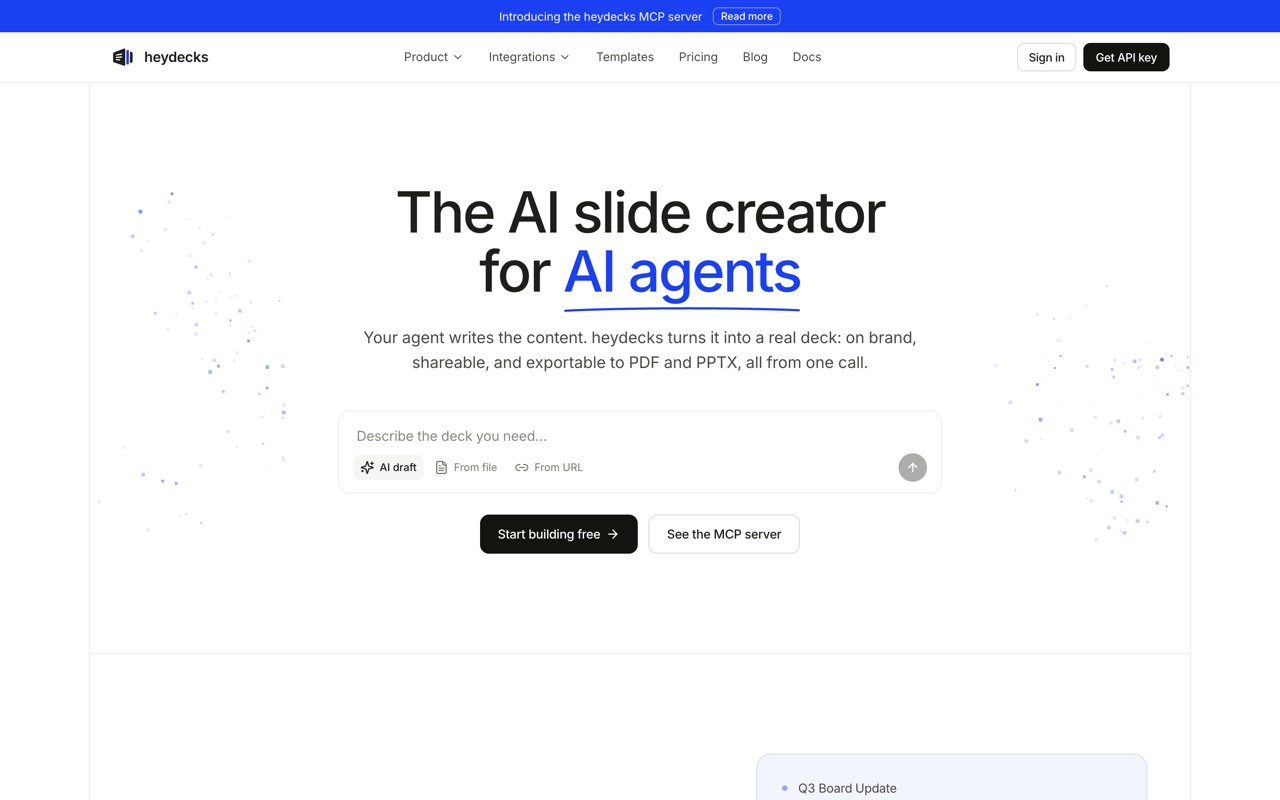 heydecks is the agent-native pick: hand it a prompt, markdown, or a URL and it returns a live deck, a PDF, and an editable PowerPoint, on your brand.
heydecks is the AI slide creator that AI agents call over REST or MCP, and it is the one I build, so weigh that. From a prompt, markdown, or a URL it returns a live deck link, a PDF, and a native, editable PowerPoint, every export locked to your brand by the Brand Kernel. It scores where the others cannot: software can drive it, the export is a first-class editable .pptx, and the brand holds without a designer. The catch is the flip side of that strength. If you want to sit and hand-design one deck in a polished editor, the UI-first tools below will feel more natural. heydecks earns its place when the deck has to be generated by code or an agent with nobody in the editor.
#Gamma
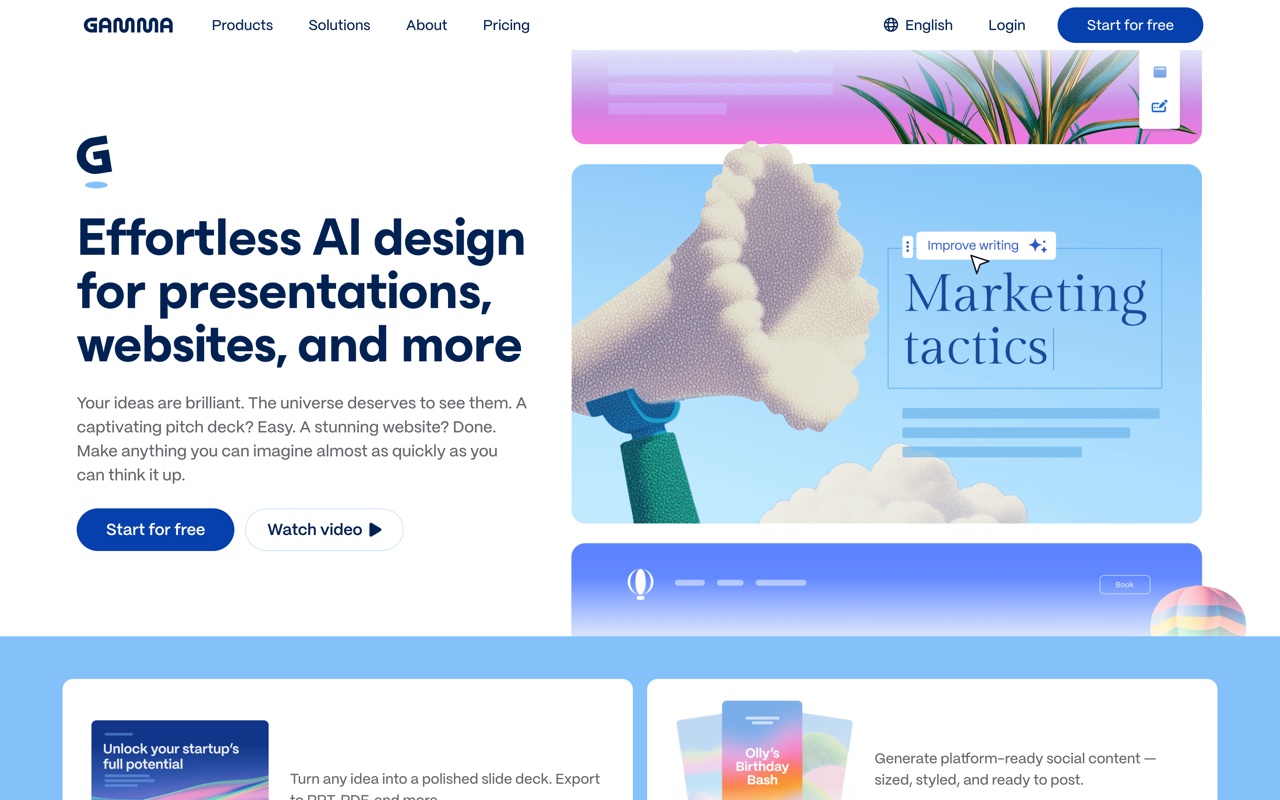 Gamma's card-based generator, the tool most of these comparisons measure against.
Gamma sets the bar for output quality from a single prompt, and it is the name that anchors most of these roundups. The first draft usually looks good with almost no effort. The friction is downstream: it bills against a one-time pool of AI credits that do not refill, and its native format is a vertical web card, so the PowerPoint export is a translation rather than the source file. If you are weighing it specifically, I wrote a separate Gamma alternatives roundup that digs into its trade-offs.
#Canva
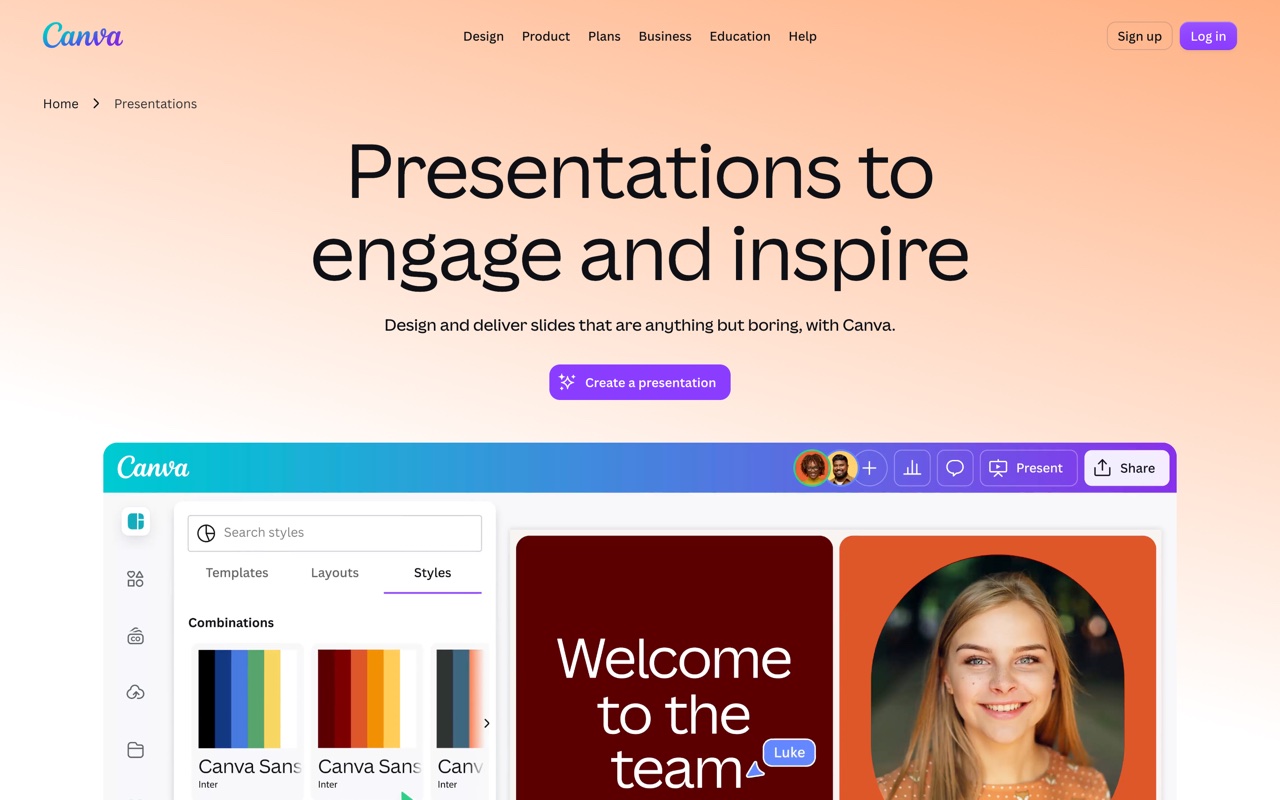 Canva folds AI decks into a much larger design suite through Magic Design.
Canva is the safe pick when your team already lives in it. Magic Design drafts a deck from a prompt, the asset library is huge, and the free tier is genuinely usable because slides are a small slice of what Canva sells. The cost is focus: presentations are one room in a very big house, so it can feel heavy when slides are all you need. The Canva alternative breakdown covers that trade in more depth.
#Beautiful.ai
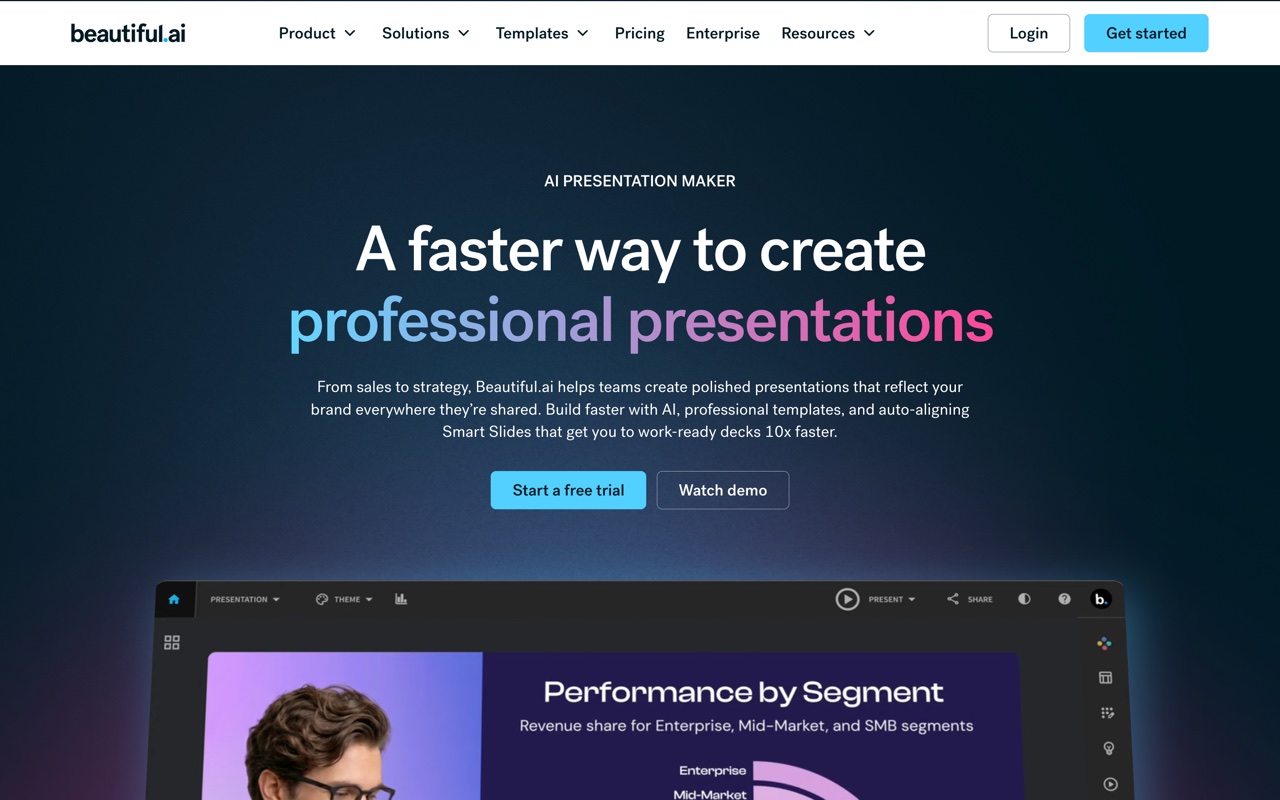 Beautiful.ai's smart templates re-balance each slide as you add content.
Beautiful.ai is built around brand discipline. Its templates re-flow spacing and alignment as you edit, so a non-designer struggles to make an ugly slide, and the brand controls are tighter than most. Those same guardrails are the limit: free-form, off-template design is harder here than on a blank canvas, and it is subscription-only with no real free tier. The Beautiful.ai alternative page goes deeper on where it fits.
#Pitch
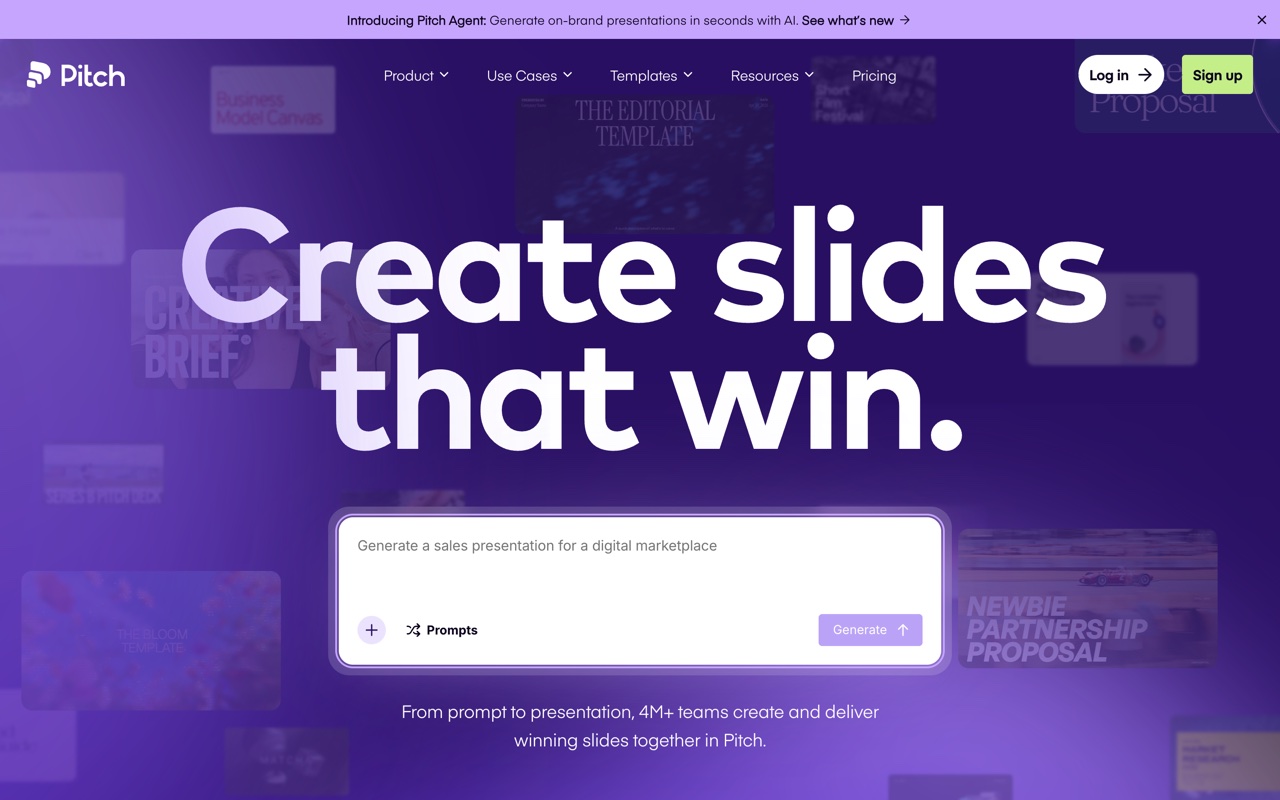 Pitch is built around real-time collaboration and a sharp template gallery.
Pitch is the one to beat for teams building decks together. Comments, real-time editing, and analytics are the draw, and the templates are clean. Its AI generation is lighter than Gamma's, so I think of it as a polished collaborative editor with AI assistance rather than a one-prompt generator. Editing is excellent; raw generation is not the headline.
#Presentations.ai
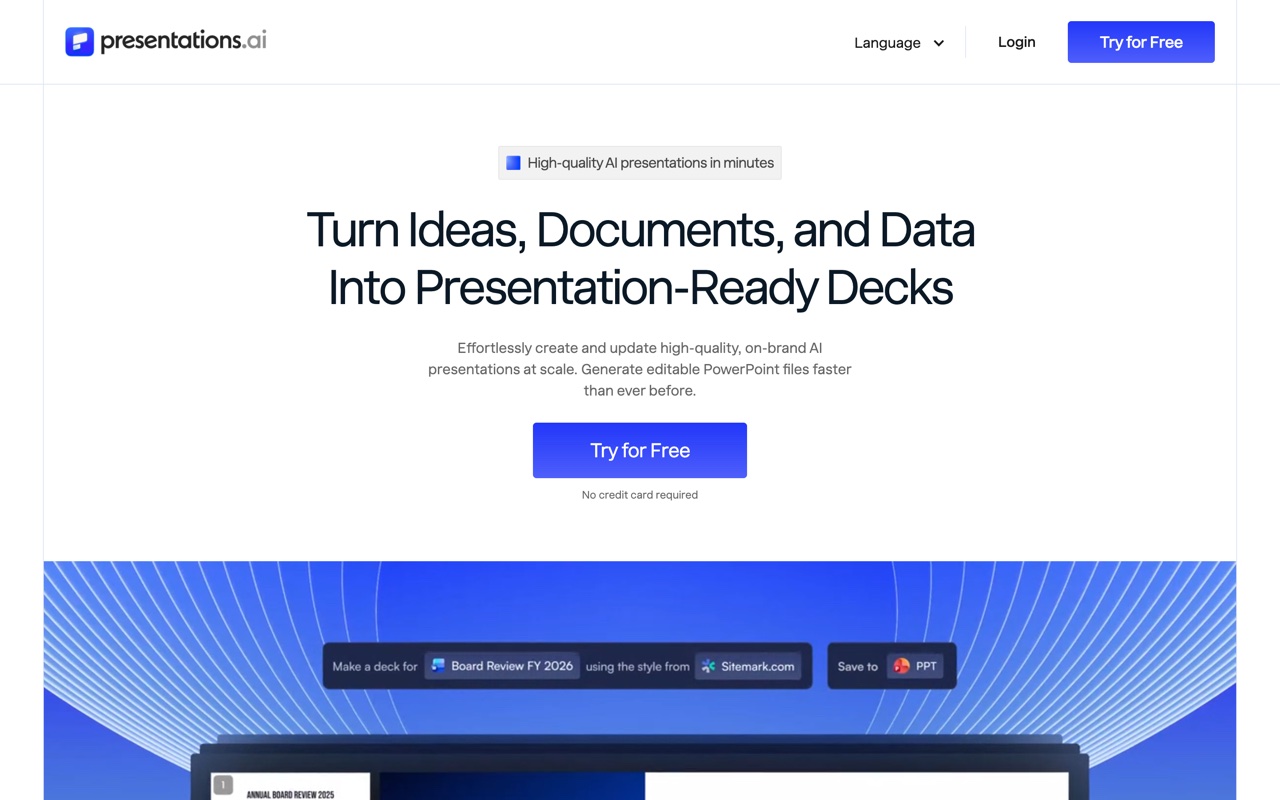 Presentations.ai aims squarely at business decks and brand consistency.
Presentations.ai points itself at sales, investor, and board material, with brand consistency across a team as the selling point. If your decks are business-shaped, its templates are tuned for that. It is newer and web-first, so I would test how well its output survives the move into whatever your stakeholders actually open before you standardize on it.
#Plus AI
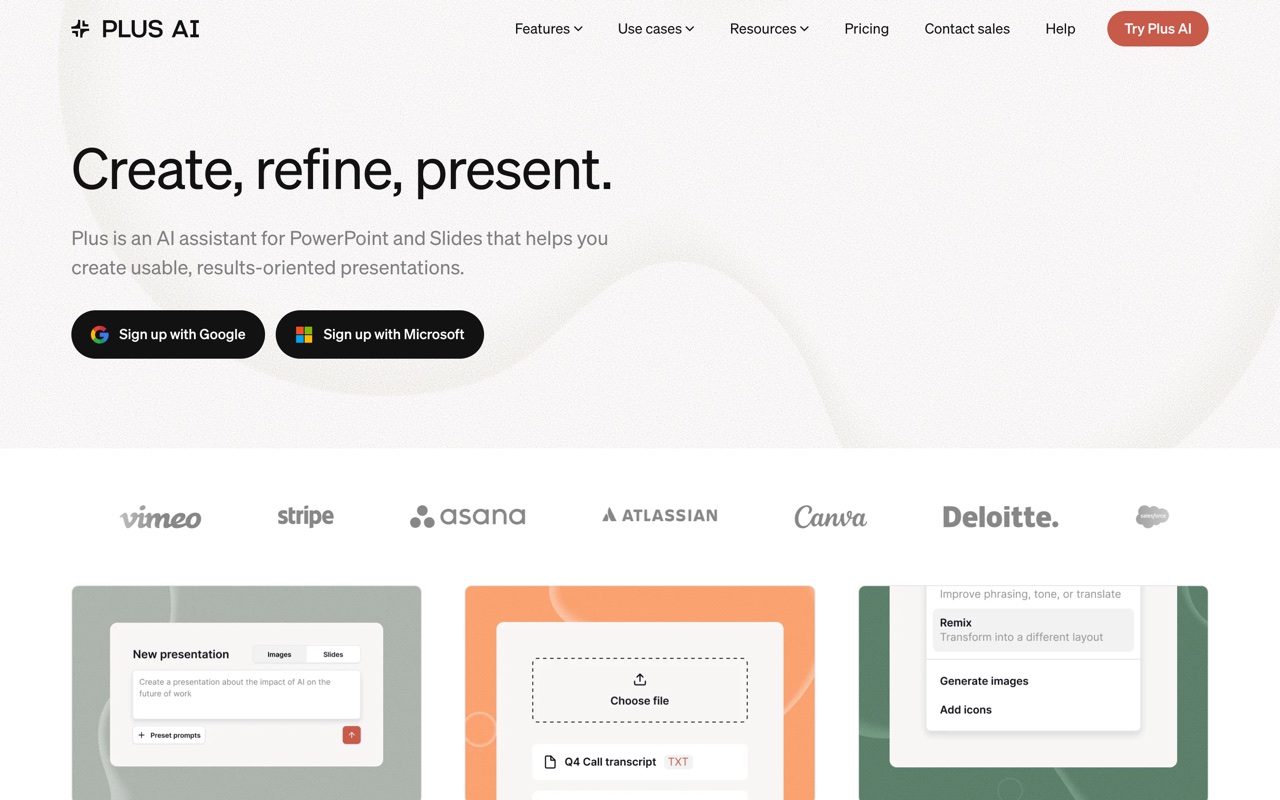 Plus AI runs as an add-on inside Google Slides and PowerPoint.
Plus AI wins for people who refuse to leave Google Slides or PowerPoint. Because it generates inside those apps, the output is native by definition, which sidesteps the whole messy-export problem. The trade is that you inherit the host app: Plus AI is an assistant living inside Slides or PowerPoint, not a canvas with its own design opinions.
#Decktopus
 Decktopus walks you through a guided flow and adds extras like speaker notes.
Decktopus suits anyone who wants the tool to ask questions and assemble a first draft from the answers. The guided flow plus extras like generated speaker notes solve the blank-page problem well. In return you get less granular design control, and the templates can read as generic unless you push them.
#Slidebean
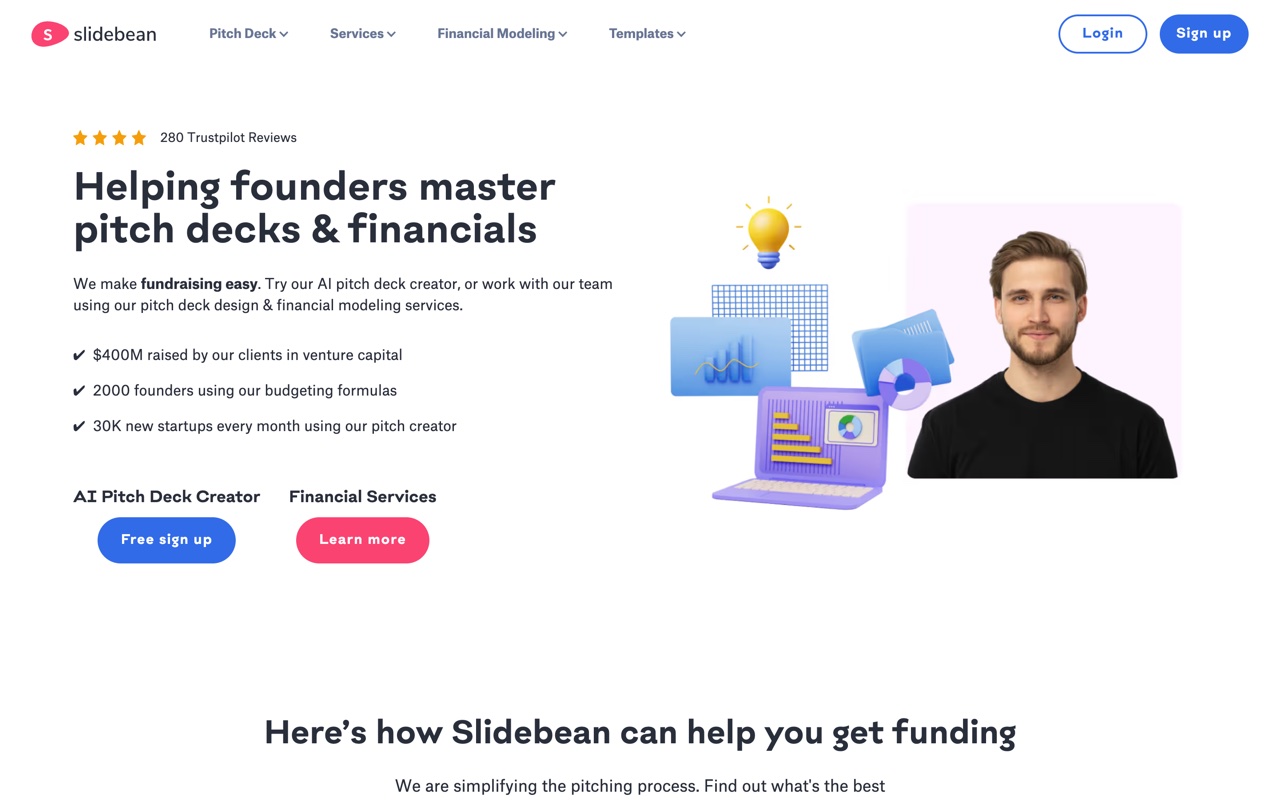 Slidebean is content-first: you write, it handles the design pass.
Slidebean is aimed at founders building pitch decks. It splits content from design, so you write the story and let the system style it, and its pitch templates are its strongest asset. The narrow focus is also the ceiling: it does less than the general tools here, and the interface shows its age in spots.
#Other names worth a look
A few other tools surface in the testing threads. Prezent and Visme both target the enterprise and design-heavy end, and newer entrants like Alai and GenPPT keep coming up in Reddit comparisons. They are worth a look if the tools above do not fit, but the test is the same: check the editing, the brand lock, and the export before you commit.
#How do the best AI presentation makers compare?
The fastest way to read the field is by what you get out the other end, not by the gallery screenshots. Below is the same set scored against the criteria that survive contact with real work: editing, brand, export, and whether code can drive it.
| Tool | Best for | Editable .pptx | Brand control | API or agent path |
|---|---|---|---|---|
| Gamma | Fast solo drafts | Export from web cards | Themes | Generate API (beta) |
| Canva | Teams already in Canva | Yes | Brand Kit | Limited |
| Beautiful.ai | On-brand team slides | Yes, on paid plans | Strong, enforced | No |
| Pitch | Collaborative team decks | Yes | Brand templates | No |
| Presentations.ai | Sales, investor, board decks | Yes | Brand controls | No |
| Plus AI | Google Slides / PowerPoint users | Native | Inherits host app | No |
| Decktopus | Guided first drafts | Yes | Limited | No |
| Slidebean | Founder pitch decks | Yes | Template-led | No |
| heydecks | Apps and agents generating decks | Native, first-class | Brand Kernel, locked | REST API and hosted MCP |
Read it as a question about your own workflow, not a leaderboard. If a person is going to sit with the deck and shape it, almost any row will serve you, and you should choose on design taste and price. If the honest answer to "who clicks generate?" is "our backend," the bottom row is the one that will not fight you.
#Is there a free AI presentation maker?
Yes, several have a free tier, but free almost always means free to try, not free to run at volume. Canva's free plan is the most generous, because presentations are a minor part of its business and it makes money elsewhere. Most dedicated AI tools, Gamma included, hand you a starter pool of credits or stamp a watermark on the free plan and gate exports behind a subscription.
So the real question is what you mean by free. For a one-off deck, Canva's free tier or a trial of Beautiful.ai or Pitch gets you there without paying. For frequent generation, metered models stop being free fast, which is why the "best ai presentation maker free" searches keep landing on the same advice: pick the paid model that matches how often you actually generate. Per-credit pricing suits occasional hands-on use; flat or usage-based pricing suits anything running on a schedule.
#Which AI presentation maker exports the cleanest PowerPoint?
Tools whose native format is already slides export cleaner PowerPoint than tools whose native format is a web page. That single fact predicts most of the export pain people complain about.
Plus AI generates inside PowerPoint and Google Slides, so its output is native with no export step at all. heydecks builds from real slide types and treats the .pptx as a first-class output, so the file opens as actual slides with text in text boxes, not a flattened picture of a slide. Gamma's export is a translation from its web cards, which is fine for a read-only handoff and choppier when you reopen it to restyle. If you know a deck will be re-edited in PowerPoint after generation, weight this criterion heavily; it is the one that quietly costs the most time later.
#What if an AI agent needs to build the presentation?
This is the gap almost none of the tools above were built for. Every one of them assumes a person opens a browser, types a prompt, and nudges the result by hand. A growing number of jobs need the deck produced with nobody in the editor: a SaaS product that ships each customer a branded report, an AI agent whose task includes "make the deck" as one step, a nightly job that turns CRM rows into client decks before anyone is awake.
heydecks is the AI slide creator that AI agents call over REST or MCP. From a prompt, markdown, or a URL it returns a live deck link, a PDF, and a native, editable PowerPoint, every export locked to your brand by the Brand Kernel, which can be extracted from a public URL. It is not upload-and-convert; you hand it a prompt or a page and it emits a new artifact your tools can keep editing. For that one job the question stops being which editor looks best and becomes whether a deck can be generated with no human in the loop and still land on-brand.
Here is a deck heydecks generated from a single URL, rendered on a sample brand. Click through it.

The deck generation API is the single call that does this, and if you are comparing it against the obvious incumbent, the Gamma alternative for agents page lays out that case side by side.
#How do you pick the right AI presentation maker?
Start with one honest question: is a person going to sit in the editor, or not? Everything else follows from the answer.
If yes, you are choosing on taste, collaboration, and price, and the field is wide open. Gamma and Canva for fast solo drafts, Beautiful.ai and Presentations.ai for brand discipline, Pitch for collaboration, Plus AI if you never want to leave Google Slides or PowerPoint, Slidebean and Decktopus for the specific jobs of pitch decks and guided first drafts.
If the answer is no, the list collapses, because almost none of these were built for software to drive. That is the same line I drew in the longer Gamma AI vs heydecks comparison. Match the tool to the operator. A founder polishing one pitch deck and a backend generating a thousand branded decks a night are not shopping for the same product, even though both typed "best ai presentation maker" to get here.
#Frequently asked questions
#What is the best AI presentation maker overall?
There is no single best AI presentation maker; the right one depends on who drives it. For fast solo drafts, Gamma and Canva lead. For on-brand team decks, Beautiful.ai and Presentations.ai. For people who stay inside Google Slides or PowerPoint, Plus AI. For an AI agent generating decks over an API, heydecks. Pick by your workflow, not by a ranking.
#What is the best free AI presentation maker?
For a one-off deck with no payment, Canva's free plan is the most capable, because presentations are a small part of its business and the free tier is generous. Trials of Pitch and Beautiful.ai also cover a single deck. For frequent generation, free tiers run out quickly, so the better question is which paid pricing model fits your usage.
#Which AI presentation maker has an API?
Gamma has a generate API in beta, and heydecks is built API-first, returning a live deck, a PDF, and an editable PowerPoint from one REST or MCP call. Canva offers limited API access. Most of the others are editor-only with no programmatic path. If an API or an MCP server is the main thing you need, choose a tool built for it rather than one that bolted it on.
#Do AI presentation makers produce editable PowerPoint files?
Some do, and some hand you a flattened export. Tools whose native format is slides, like Plus AI and heydecks, produce a .pptx that opens as real, editable slide objects. Tools whose native format is a web page, like Gamma, export a translation that is fine for read-only sharing but harder to restyle. If re-editing in PowerPoint matters, test the export before you commit.
Keep reading