The best AI for PowerPoint: add-ins, generators, and free options
The best AI for PowerPoint in 2026 depends on where you work. Inside PowerPoint, Microsoft Copilot is the default if you pay for Microsoft 365, and the Claude for PowerPoint add-in is the strongest at following a corporate template. For a finished deck from a prompt, Gamma is the fastest. If code or an AI agent makes the file, use an API such as heydecks.
I build heydecks, one of the tools below, so read this knowing I have a stake. I have also built real decks in most of the others, and my verdict on most of them is "good at the job it was built for." The mistake I see most often is treating "AI for PowerPoint" as one category. It is really three: add-ins that work inside the PowerPoint app, standalone generators that hand you a .pptx to download, and chat assistants (ChatGPT, Claude, Gemini) that can now do a bit of both. Pick the category first and the tool choice gets easy.
#How I compared them
I checked every tool's pricing page, help docs, and release notes in late September 2026, because this category changes monthly: ChatGPT, Claude, and Gemini all shipped deck features since spring. Each tool is judged on five things:
- Where it runs. Inside PowerPoint as an add-in, in its own web app, or in a chat window.
- The file you get. A native, editable .pptx (real text boxes, shapes, and charts) or a converted export that may flatten some elements.
- Your template and brand. Does it follow your slide master, fonts, and colors, or impose its own themes?
- Price to get a usable .pptx. Many free tiers watermark or withhold the PowerPoint export.
- A programmatic path. Whether software or an AI agent can call it with no person in the editor.
Prices are US list prices on the vendor's own site where I could read it, and they move often, so treat them as a starting point.
#The best AI for PowerPoint, by job
- Best if you already pay for Microsoft 365: Microsoft Copilot in PowerPoint.
- Best for following a corporate or client template: Claude for PowerPoint.
- Best free option inside PowerPoint: ChatGPT for PowerPoint (beta, limited use on the free plan).
- Best for teams in Google Workspace: Gemini in Google Slides, then download as .pptx.
- Best for a designed first draft from one prompt: Gamma.
- Best add-in that works in both PowerPoint and Google Slides: Plus AI.
- Best for design guardrails on a team: Beautiful.ai.
- Best if your team already designs in Canva: Canva.
- Best for collaborative team decks: Pitch.
- Best when an app or AI agent makes the deck, on brand, as an editable .pptx: heydecks.
#AI PowerPoint tools compared
| Tool | Where it runs | Native editable .pptx | Starting paid price | Free option |
|---|---|---|---|---|
| Microsoft Copilot | Built into PowerPoint | Yes, edits the open file | Microsoft 365 Personal, $9.99/mo | No |
| Claude for PowerPoint | PowerPoint add-in | Yes, uses your slide master | Claude Pro, $20/mo | Chat can make a .pptx; add-in is paid |
| ChatGPT for PowerPoint | PowerPoint add-in (beta) | Yes, in the open file | Included in ChatGPT plans | Yes, limited |
| Gemini in Google Slides | Google Slides | Google Slides, download as .pptx | Google AI Pro or Workspace Business Standard | No |
| Plus AI | Add-in for PowerPoint and Google Slides | Yes, runs in the host app | $10/mo (annual) | 7-day trial |
| SlidesAI | Add-in for Google Slides and PowerPoint | Yes, runs in the host app | $10/mo | 12 decks a year |
| Gamma | Web app, API, MCP | Converted from web cards | Plus plan, about $10/mo | 400 one-time credits, watermarked |
| Beautiful.ai | Web app plus a PowerPoint add-in | Export on all paid plans | $14.50/mo (annual) | 14-day trial |
| Canva | Web design suite | Export, complex designs can flatten | Canva Pro (varies by region) | Yes, including .pptx download |
| Presentations.ai | Web app | Export | $20/mo (annual) | 100 credits a year |
| Decktopus | Web app | Export, formatting can shift | $9.99/mo (annual) | No |
| Pitch | Web app | Export on paid plans | €10/mo (annual) | Yes, PDF only |
| heydecks | REST API and MCP server | Yes, generated as native slides (Solo and up) | Solo, $19/mo | 200 one-time credits (2 decks), watermarked PDF |
Two patterns fall out of the table. Anything that runs inside PowerPoint hands you a native file by definition, because it never leaves the host app. The web generators hand you an export, and how editable that export is depends on how far their own format sits from real slides.
#AI add-ins and plugins that work inside PowerPoint
If you search for a "PowerPoint AI plugin" or "AI add-in for PowerPoint," this is the category you want: the AI sits in a side panel and works on the deck you have open. In PowerPoint you find them under Home, then Add-ins. The upside is that the output is already a real PowerPoint file on your template. The limit is that add-ins are assistants: you still drive, and none of them can be called by your own code.
#Microsoft Copilot in PowerPoint
Copilot is built into PowerPoint rather than installed as an add-in. It drafts a presentation from a prompt, turns a Word document into slides, rewrites and restructures existing slides, generates images, and writes speaker notes. For individuals it is included in Microsoft 365 Personal ($9.99 a month), Family ($12.99), and Premium ($19.99), with higher usage on the pricier plans. Businesses get it through the Microsoft 365 Copilot Business add-on or bundles that include it. Microsoft's own page is clear that free plans and some business plans do not include Copilot, so "Copilot in PowerPoint free" is not really a thing outside a trial. It is the obvious default if your company already runs on Microsoft 365. The Copilot deck walkthrough has prompts that work.
#Claude for PowerPoint
Anthropic's add-in went generally available in May 2026 for Claude Pro, Max, Team, and Enterprise plans (Pro is $20 a month). It runs in PowerPoint on the web, Windows, and Mac, though not on iPad. What sets it apart is template awareness: it reads the slide master, layouts, fonts, and colors in your deck and builds new slides with them, and it can turn bullets into native, editable PowerPoint charts and diagrams rather than pictures. For consultants and anyone working inside a client's template, it is the best of the in-app assistants right now. I covered setup, prompts, and limits in my Claude and PowerPoint guide.
#ChatGPT for PowerPoint
OpenAI launched a ChatGPT add-in for PowerPoint in beta in May 2026. It opens as a sidebar, builds and edits slides from prompts or files, and can pull context from connected Gmail, Outlook, and SharePoint accounts. It is available on every ChatGPT plan, including Free and Go with limited usage, which makes it the most accessible AI add-in for PowerPoint today. OpenAI itself cautions that complex templates, fonts, and charts may not be fully supported yet, so check the result on a real corporate template before you rely on it.
#Plus AI
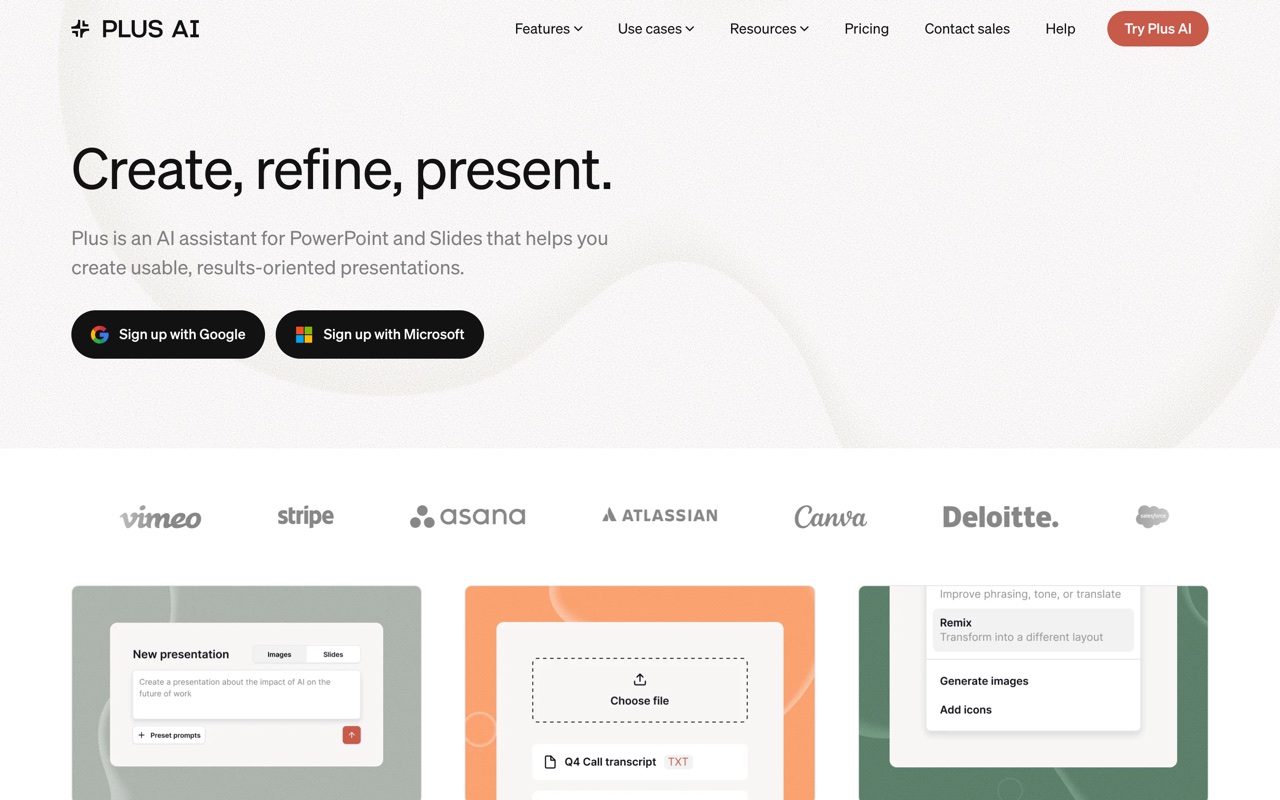 Plus AI generates and edits slides from a side panel inside PowerPoint or Google Slides.
Plus AI is the most mature third-party add-in and the only one here that works the same way in both PowerPoint and Google Slides. It generates full decks, remixes existing slides into new layouts, and rewrites content, all on your host template. Pricing starts at $10 per user a month billed annually ($15 monthly), custom branding sits on the $30 Team plan, and every plan starts with a 7-day trial. If you move between Microsoft and Google, it is the one to try. I laid out where it pinches in the Plus AI alternative comparison.
#SlidesAI and the Beautiful.ai add-in
SlidesAI started as a Google Slides add-on and now also runs as a PowerPoint add-in: paste text or a topic, pick a length and tone, and it builds a basic deck in the host app. Its free plan covers 12 presentations a year, and Pro is $10 a month. It is a good fit for turning notes or a script into slides, less so for design-heavy decks. Beautiful.ai also ships a PowerPoint add-in that inserts its "smart slides" into your deck; it needs a Beautiful.ai subscription.
#Standalone AI PowerPoint generators
Generators take a prompt, a document, or a URL and build the whole deck in their own web app. You then present from the link or download a .pptx. They are the fastest route from nothing to a credible first draft. The trade is that the PowerPoint file is an export, so test it before a client or your boss opens it.
#Gamma
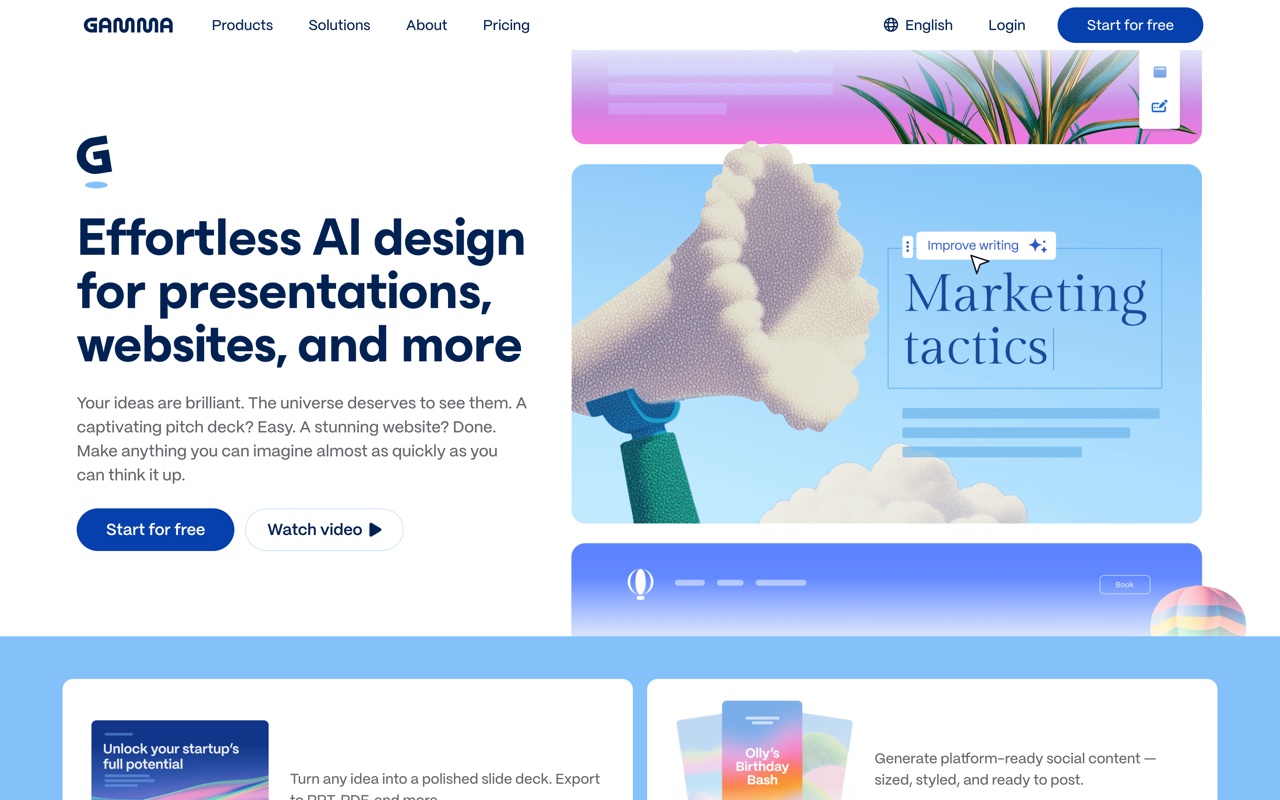 Gamma generates a designed deck from a prompt in about a minute, built on web cards rather than fixed slides.
Gamma is the tool most people mean when they say AI made their deck in a minute, and the design quality from one prompt is genuinely good. Its native format is a vertical web card, so the .pptx is a conversion of that. Gamma embeds fonts and exports tables as editable tables, and the export reflects present mode, so light edits in PowerPoint are fine while heavy restructuring can mean fighting the layout. The free plan gives 400 one-time credits and stamps a "Made with Gamma" badge on PDF and PPTX exports; paid plans start at roughly $10 a month and remove it. Gamma also has a generally available API (on Pro and above) and an MCP server now. I went deeper on the export in Gamma's PowerPoint export and compared its rivals in Gamma alternatives.
#Beautiful.ai
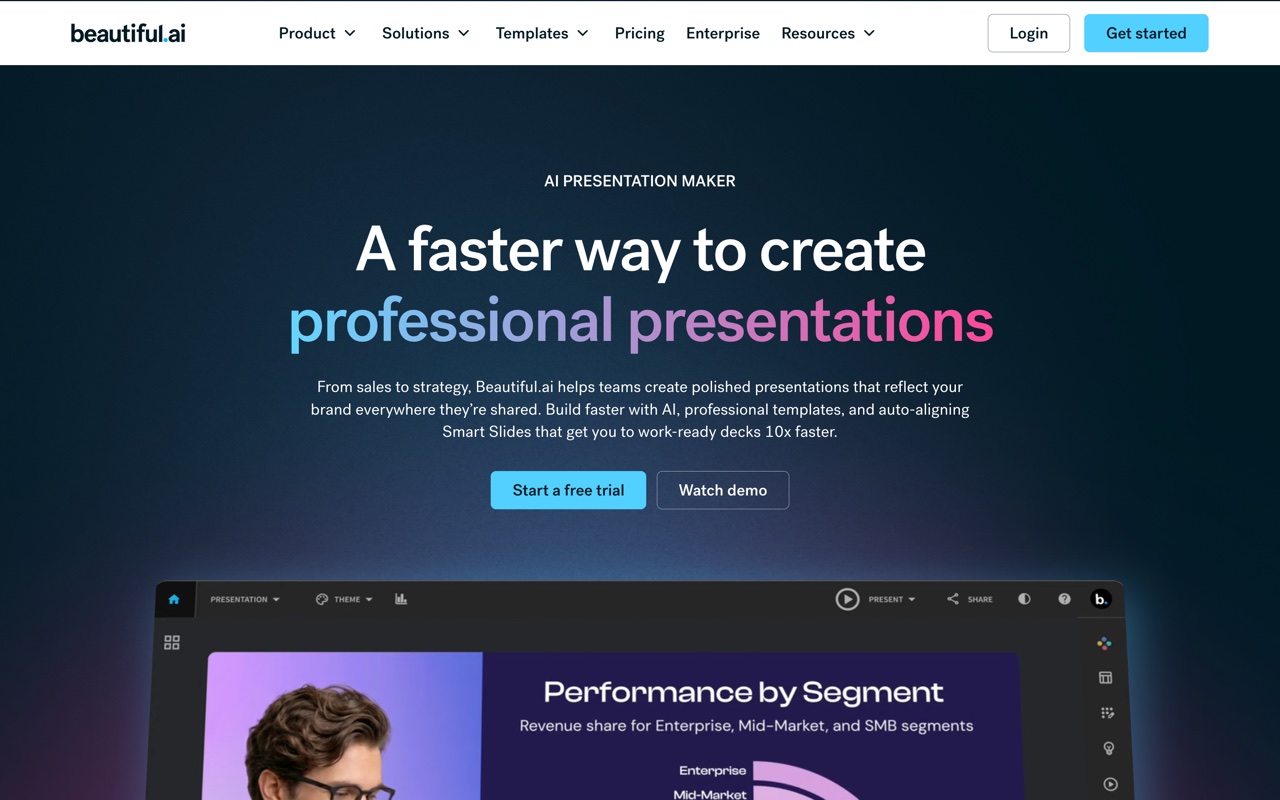 Beautiful.ai's smart templates re-balance the layout as you add content.
Beautiful.ai is the design-discipline pick. Its smart slides enforce spacing and alignment so a deck built by a non-designer still looks tidy, which is why it shows up for pitch decks and board reviews. There is no free plan, only a 14-day trial that needs a card; Pro is $14.50 a month billed annually or $45 month to month, and Team is $40 per user. PowerPoint import and export are on every plan. The adaptive layouts are the product, and they become static shapes once the deck is a .pptx.
#Canva
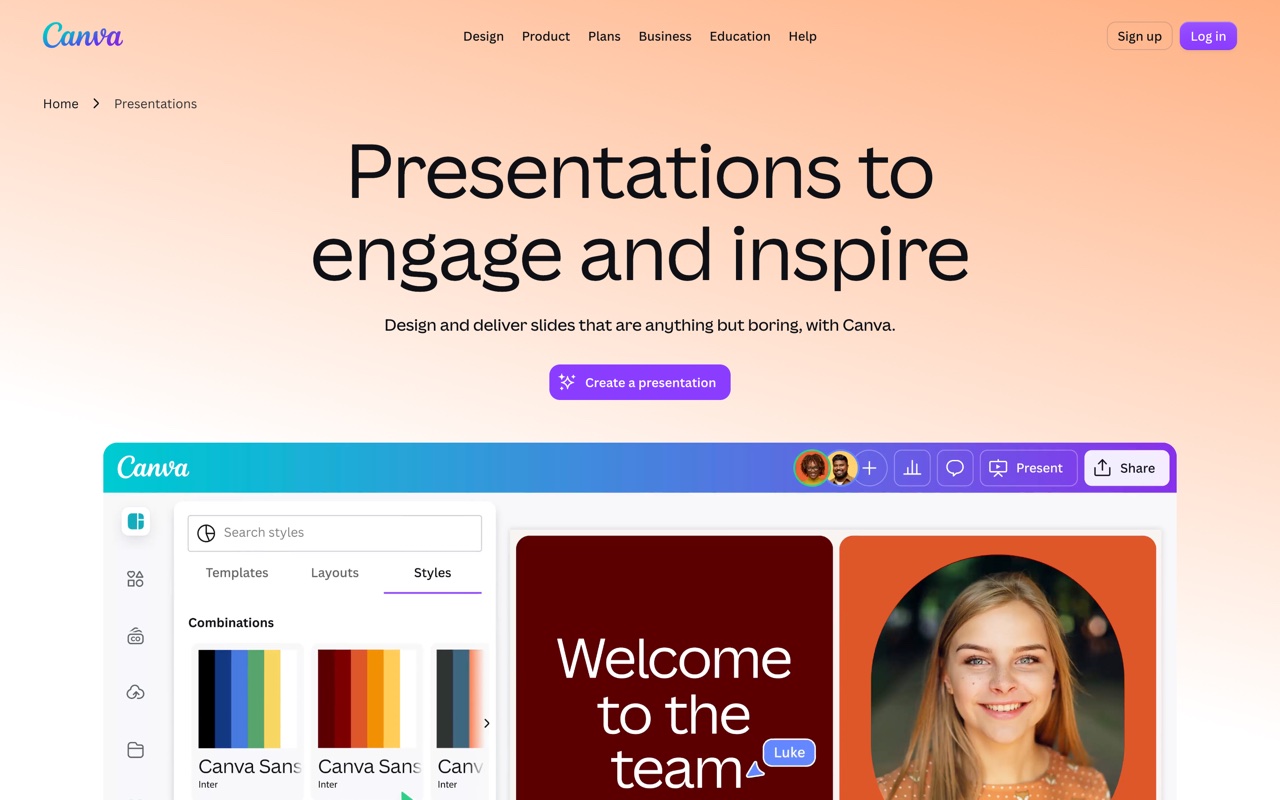 Canva builds decks from a prompt with Magic Design, inside its wider design suite.
Canva makes sense if your team already designs everything else there. Magic Design drafts a deck from a prompt, the asset library is huge, and the free plan lets you download a presentation as a .pptx, which is rare. Most text survives as editable text, but complex frames, effects, and some fonts can arrive flattened, so simple, text-led decks travel best. Brand Kits need a paid plan.
#Presentations.ai
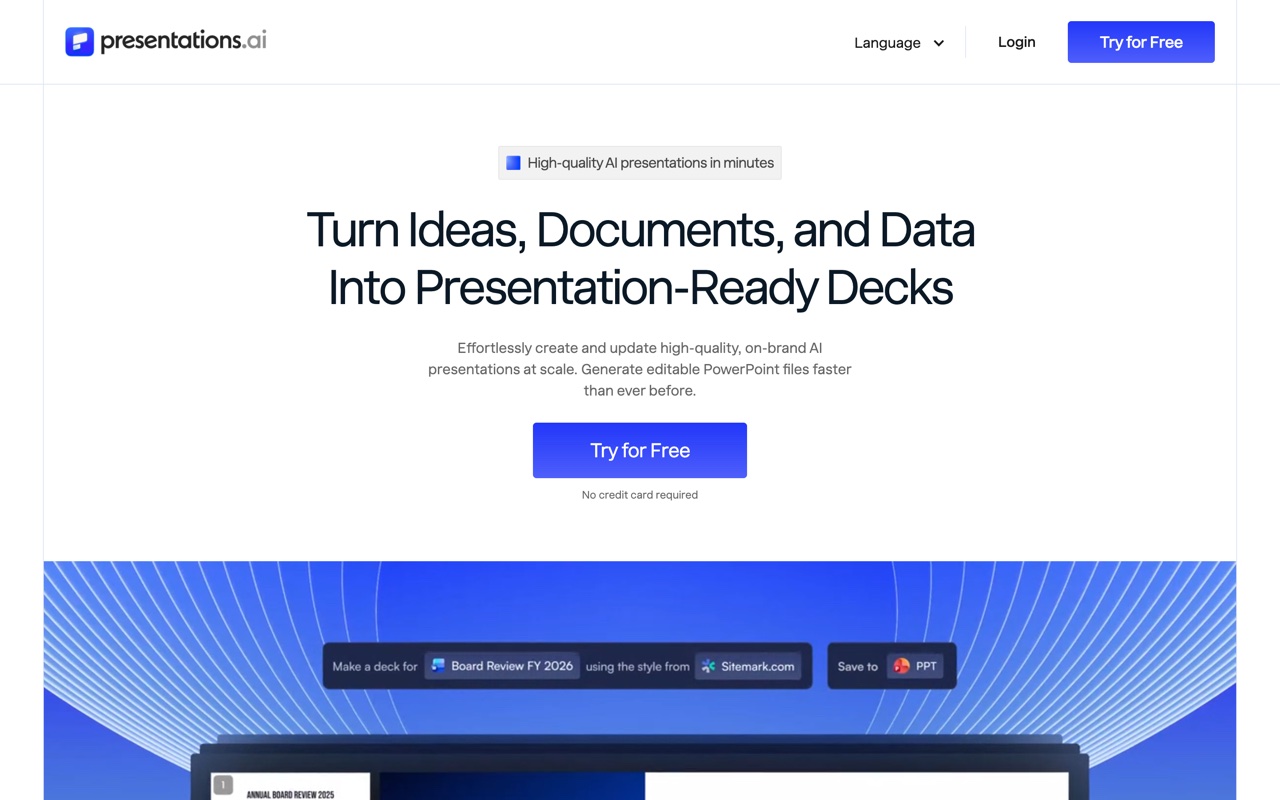 Presentations.ai targets business decks: sales, investor, and board reviews.
Presentations.ai is aimed at business decks and team brand consistency. The free Starter plan gives 100 AI credits a year and caps decks at 20 slides; Pro is $20 a month billed annually and advertises high-quality PowerPoint export, with advanced brand controls on the $50 Gold plan. Generate the deck type you actually present, export it, and open it in PowerPoint before standardizing a team on it.
#Decktopus
 Decktopus asks questions and assembles a first draft from your answers.
Decktopus walks you through a guided Q&A and builds a draft, which kills the blank page fast. Pro is $9.99 a month billed annually ($24.99 month to month), and there is no free plan. Reviewers regularly report layout shifts when its decks are opened in PowerPoint, so it suits decks you will present from the link more than ones you will rework in Office.
#Pitch
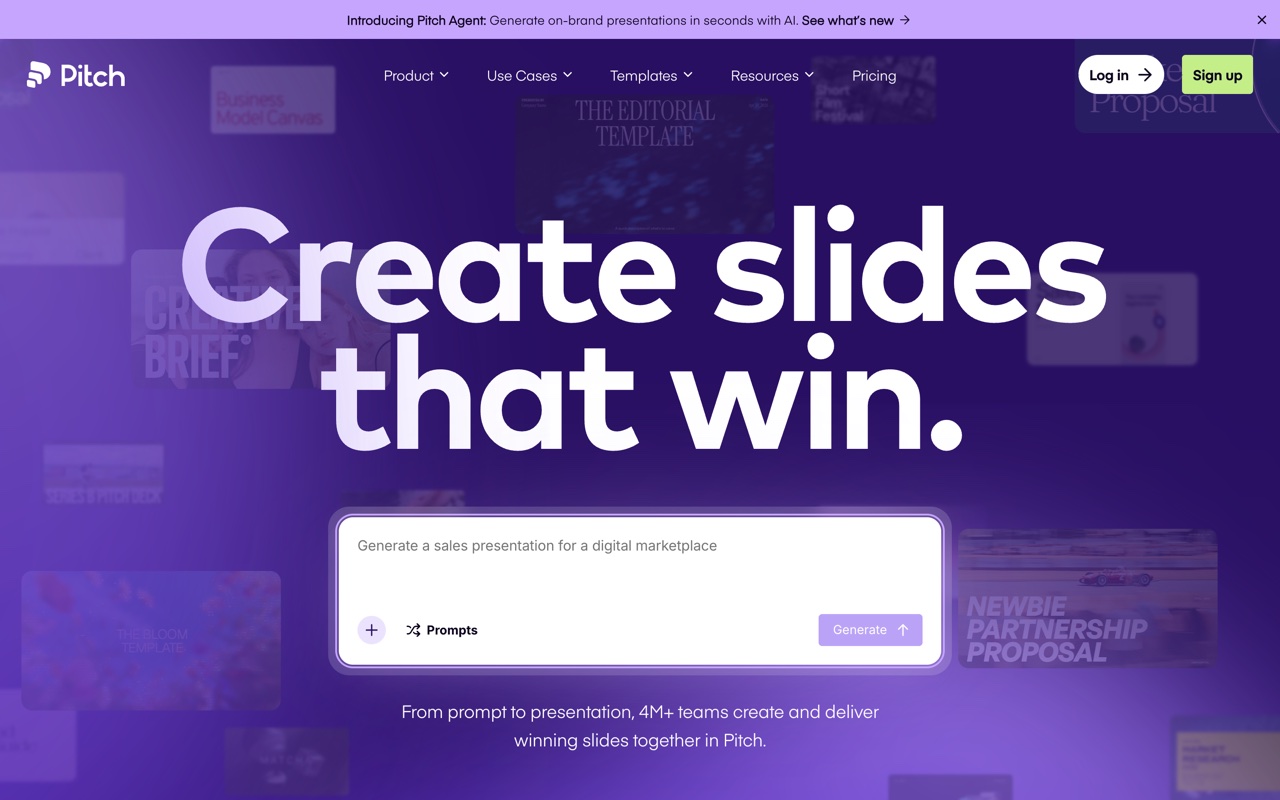 Pitch is built around real-time collaboration and a strong template gallery.
Pitch is a collaborative editor first, with an AI agent that drafts decks. The free plan exports branded PDFs only; PowerPoint export starts on the Plus plan, listed at €10 a month billed yearly, and Team is €15 per seat. Choose it for how well a team edits together, not for raw generation.
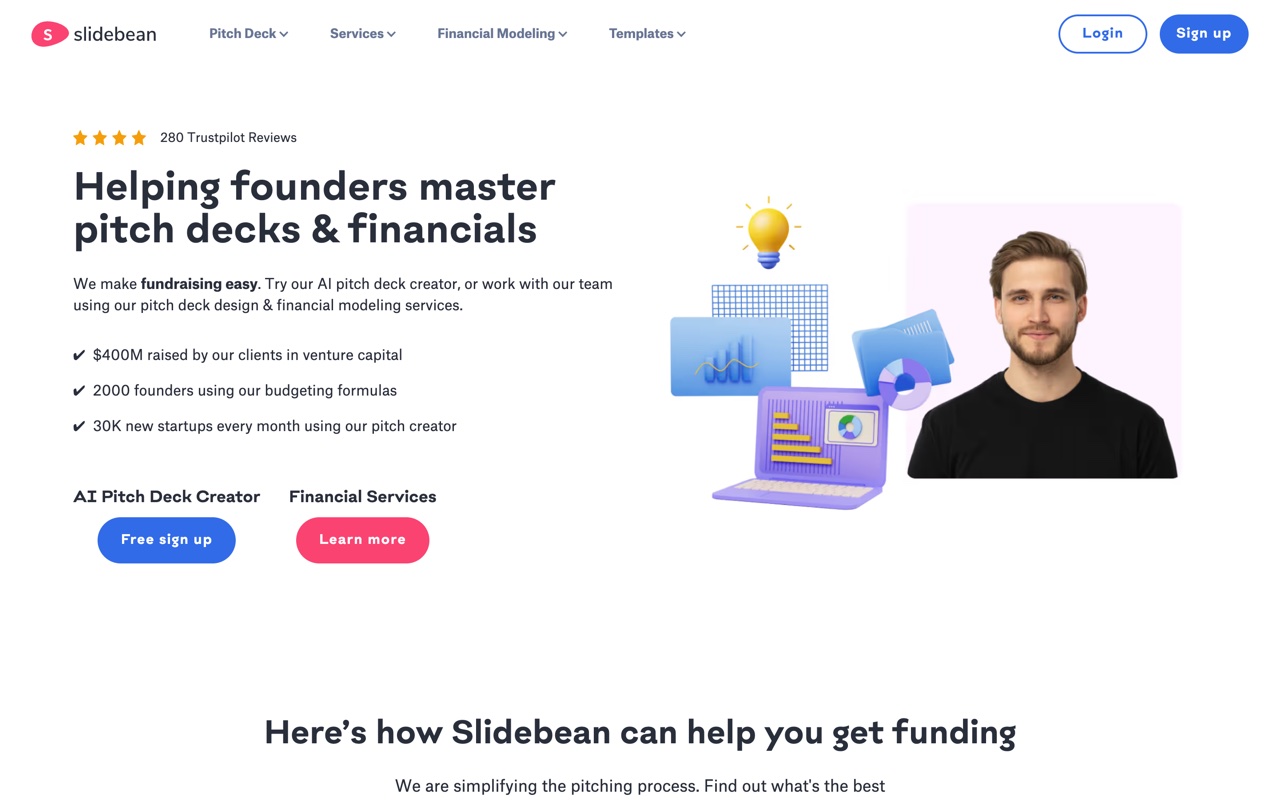 Slidebean is content-first: you write the pitch, it handles the design pass.
Other names come up in threads: Slidebean for founder pitch decks, and Prezent and Visme at the enterprise and design-heavy end. Run the same test on any of them: download the .pptx and try to edit it.
#Can ChatGPT, Claude, or Gemini make a PowerPoint?
Yes, all three can now produce a real PowerPoint file, which was not true a year ago. They differ in how.
- ChatGPT can create a downloadable .pptx from a chat on free and paid plans, and the PowerPoint add-in above works on the open file. The chat-made files are functional but plain, so they are best for structure and copy. The ChatGPT deck guide covers prompts.
- Claude can build a .pptx inside a normal conversation using its file creation feature, and the paid add-in works inside PowerPoint. Because Claude speaks MCP, it can also call a slide tool directly, which is how it drives heydecks.
- Gemini builds full, editable presentations inside Google Slides from one prompt, grounded in Drive files and styled after a reference deck. It rolled out from June 29, 2026 on Google AI Pro and Ultra and on Workspace Business Standard and above. Download with File, then Download, then Microsoft PowerPoint.
The honest read: a chat assistant is excellent at the thinking (outline, narrative, speaker notes) and still weaker than a slide-native tool at design. Many people now write the content in a chat and let an add-in, a generator, or an API turn it into slides.
#What is the best free AI for PowerPoint?
For occasional use, there are real free options, but check what the free tier withholds, because it is usually the PowerPoint export.
- ChatGPT for PowerPoint works on the free ChatGPT plan with limited usage, directly in PowerPoint.
- Claude and ChatGPT chat can both generate a .pptx file on their free plans.
- Canva Free includes AI deck drafting and a .pptx download.
- SlidesAI Free covers 12 presentations a year inside Google Slides or PowerPoint.
- Gamma Free gives 400 one-time credits, with a watermark on exported files.
- Presentations.ai Starter gives 100 credits a year and decks up to 20 slides.
Copilot, the Claude add-in, and Gemini in Slides all need a paid plan. If you make decks every week, the free tiers run out quickly, and the better question is which paid plan matches how often you generate.
#What does "editable .pptx" mean, and how do you test it?
An editable .pptx is a PowerPoint file where every element is a native object: text in text boxes you can retype, shapes you can move, charts with data behind them, colors and fonts that follow the theme. A flattened export can look identical on screen and still have text baked into an image. You only notice when your CEO wants the Q3 number changed an hour before the board meeting.
The test takes two minutes. Generate a deck like one you really present, download the .pptx, and open it in PowerPoint. Then check three things:
- Click into a text box and retype a sentence. If you cannot select it, it is an image.
- Right-click a chart and choose Edit Data. If the option is missing, it is a picture of a chart.
- Look at the fonts and colors. If they were substituted, your brand did not survive.
In-app tools pass by design. Generators vary, and the cause is architectural: a tool whose native format is slides writes real slide objects, while a tool built on web pages or a free canvas has to translate.
#How do you make a PowerPoint with AI?
The workflow is the same in almost every tool:
- Write a specific prompt: topic, audience, length, and tone. "A 10-slide Q3 sales review for our exec team, data-forward, conservative tone" beats "sales deck."
- Attach real source material (a Word doc, PDF, notes, or URL) when the tool allows it, so the AI is not inventing content.
- Review the outline before slides are generated, where the tool offers that step (Gemini and Gamma both do).
- Apply your template or brand, then edit the copy and check every number and claim.
- Download the .pptx and run the edit test above before sending it.
For the design side, from hierarchy to fonts, see my guide to presentation design.
#What if an app or AI agent needs to make the PowerPoint?
Every tool above assumes a person is at the keyboard. A growing set of decks are made with nobody in the editor: a SaaS product sending each customer a branded monthly report, an agent whose task list includes "build the deck," a nightly job turning CRM rows into account reviews.
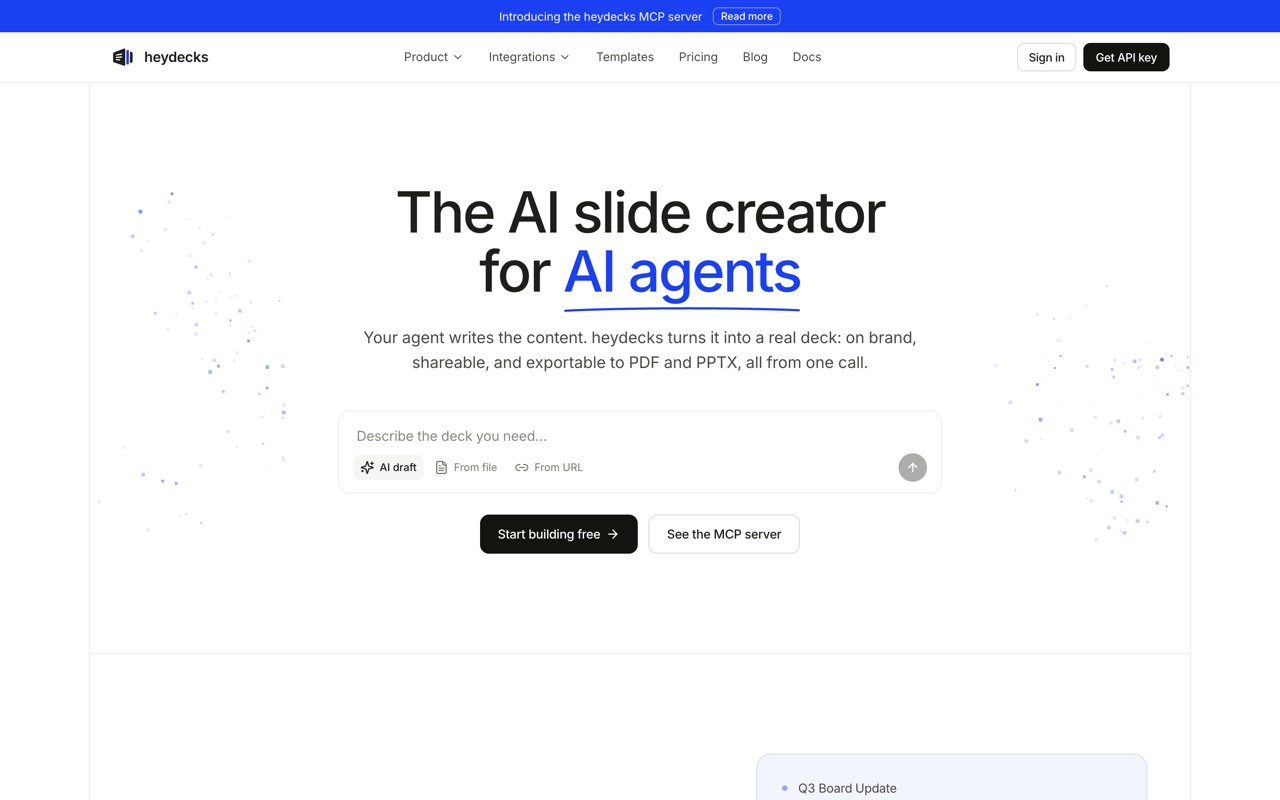 heydecks returns a live deck link, a PDF, and a native, editable PowerPoint from one API or MCP call.
That is the case heydecks is built for. It is the AI slide creator for AI agents: a deck API where POST /v1/generate returns a live deck URL, a PDF, and a PowerPoint file, and an MCP server that Claude, ChatGPT, Cursor, and other agents use to build decks. Every deck is assembled from 95 fixed, hand-designed slide templates and locked to your brand by the Brand Kernel, which you extract from your website once. Over MCP, the host model writes the copy and heydecks renders it. Because the slides are native from the start, heydecks exports editable PPTX with live text boxes and native tables, not pictures of slides. The Free plan includes 200 one-time credits (a deck is 100) with watermarked PDF exports; PPTX export starts on Solo at $19 a month.
The call itself is plain JSON:
curl -X POST https://heydecks.com/v1/generate \
  -H "Authorization: Bearer hd_live_..." \
  -H "Content-Type: application/json" \
  -d '{ "input": "Q3 sales review for the exec team: pipeline up 14%, two lost deals, next-quarter plan", "brand_id": "brd_..." }'
# => 202 { "job_id": "...", "status": "queued", "poll": "/v1/jobs/..." }
Poll GET /v1/jobs/{id} and the finished job carries the deck URL plus pdf_url and pptx_url download links.
The honest caveat: if you want to sit down and hand-design one deck this afternoon, an add-in or a generator above will feel better. heydecks earns its place when decks have to come out of software, on brand, as a file people can keep editing. This is a quarterly business review built from the same templates, on a sample brand:

If that is your situation, how the editable PPTX export works shows what the file looks like once it is open in PowerPoint.
#Frequently asked questions
#Which AI can create a PowerPoint presentation?
Microsoft Copilot, Claude, ChatGPT, Plus AI, and SlidesAI can all create slides directly inside PowerPoint. ChatGPT and Claude can also produce a downloadable .pptx from a chat, and Gamma, Beautiful.ai, Canva, Presentations.ai, Decktopus, and Pitch generate decks in their own apps and export to PowerPoint.
#Is Copilot in PowerPoint free?
No. Copilot in PowerPoint comes with Microsoft 365 Personal, Family, and Premium for individuals, and with Copilot business licenses at work. Free Microsoft accounts and some business plans do not include it. The closest free alternative inside PowerPoint is the ChatGPT add-in, which has limited free usage.
#What is the best AI plugin for PowerPoint?
For following a corporate template, Claude for PowerPoint. For people already paying for Microsoft 365, the built-in Copilot. For working across PowerPoint and Google Slides, Plus AI. All three edit the open file, so the result is a native .pptx.
#Can AI improve an existing PowerPoint, not just make a new one?
Yes, but use an in-app assistant for that. Copilot, Claude for PowerPoint, ChatGPT for PowerPoint, and Plus AI can rewrite a slide, restructure a section, or turn bullets into a chart on the deck you have open. Web generators are built to create new decks, so feeding them an existing file usually means rebuilding around their output.
#Can an API or AI agent generate a PowerPoint file?
Yes. heydecks is built API-first: one REST or MCP call returns a live deck, a PDF, and (on Solo and up) an editable .pptx, all on your brand. Gamma also offers a generate API on its Pro plan and above, plus an MCP server. Most other tools in this comparison are UI-only.
Keep reading