The best AI PPT generator, by what you're actually making
An AI PPT generator turns a prompt or an outline into a finished slide deck, no template-filling required. There's no single best one, because the right pick tracks the job: Gamma for speed, Beautiful.ai for data, Canva if you live in its suite, and heydecks when code or an agent has to produce the file. This compares eight, generators only, by what each is genuinely best at.
I build one of these, so my bias is on the table. I'm scoping this post deliberately: only generators, the tools that take a prompt and hand back a whole deck, not the in-app assistants like Copilot or Plus AI that help you edit a file you already have. Those are a different category, and lumping them together is how these roundups get muddy. If you want the assistant-versus-generator split, I cover it in best AI for PowerPoint; here it's generators, ranked by use.
#What is the best AI PPT generator?
The honest answer is "depends what you're making," and the AI Overview for this very search agrees, naming different leaders for different jobs. A generator that's perfect for a fast school deck is the wrong tool for a recurring branded report, and vice versa. So instead of crowning one, match the tool to the task. heydecks goes first below because I build it and it's the reason this post exists, not because it wins every row.
#The best AI PPT generators, by what you're making
Eight generators, each with the job it's actually best at.
#heydecks, best when code or an agent makes the deck
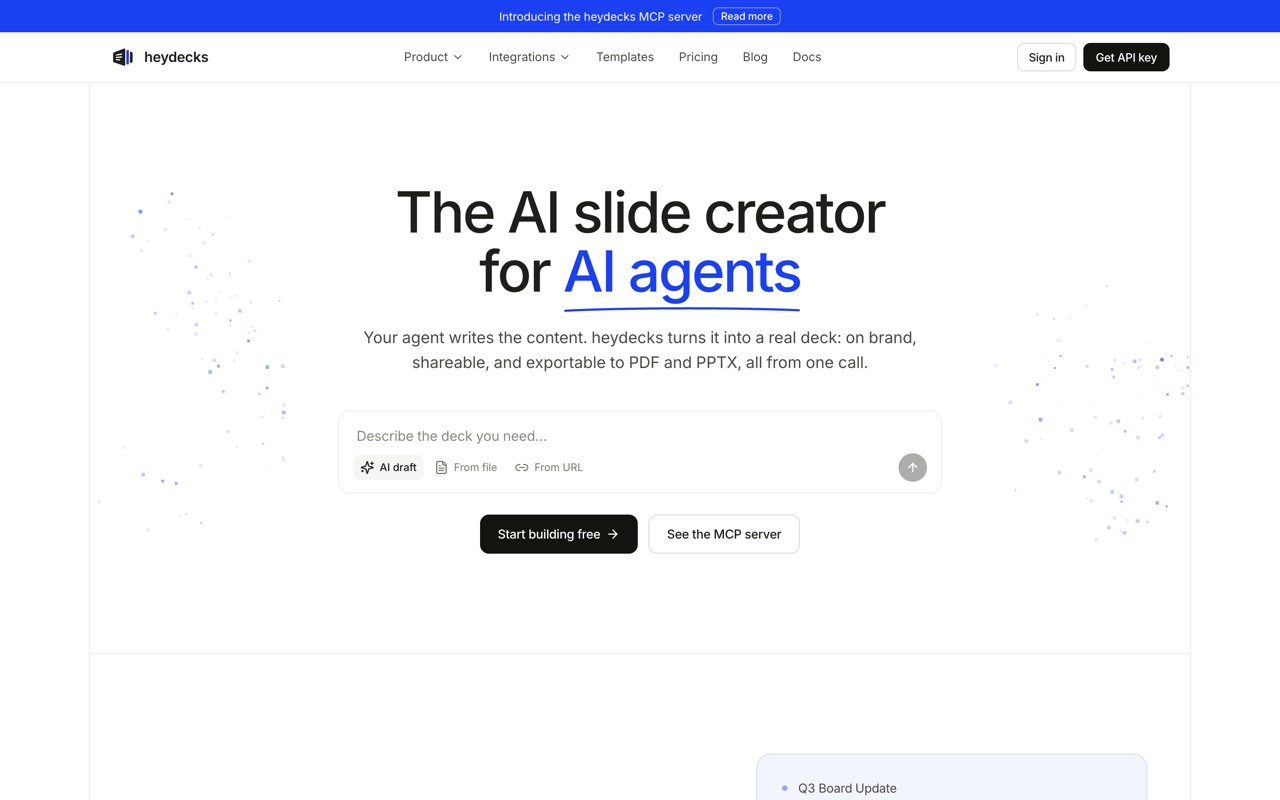 heydecks returns a live deck link, a PDF, and a native, editable PowerPoint from one API or MCP call, brand-locked by the Brand Kernel.
heydecks is the AI slide creator that AI agents call over REST or MCP. From a prompt, markdown, or a URL it returns a live deck link, a PDF, and a native, editable PowerPoint, every export locked to your brand by the Brand Kernel. It's the pick when the deck has to be produced by software or an agent with nobody in an editor, a product mailing branded report decks, a nightly job turning data into client decks. The honest caveat: if you want to sit and hand-design one deck this afternoon, a browser generator below will feel friendlier.
#Gamma, best for speed
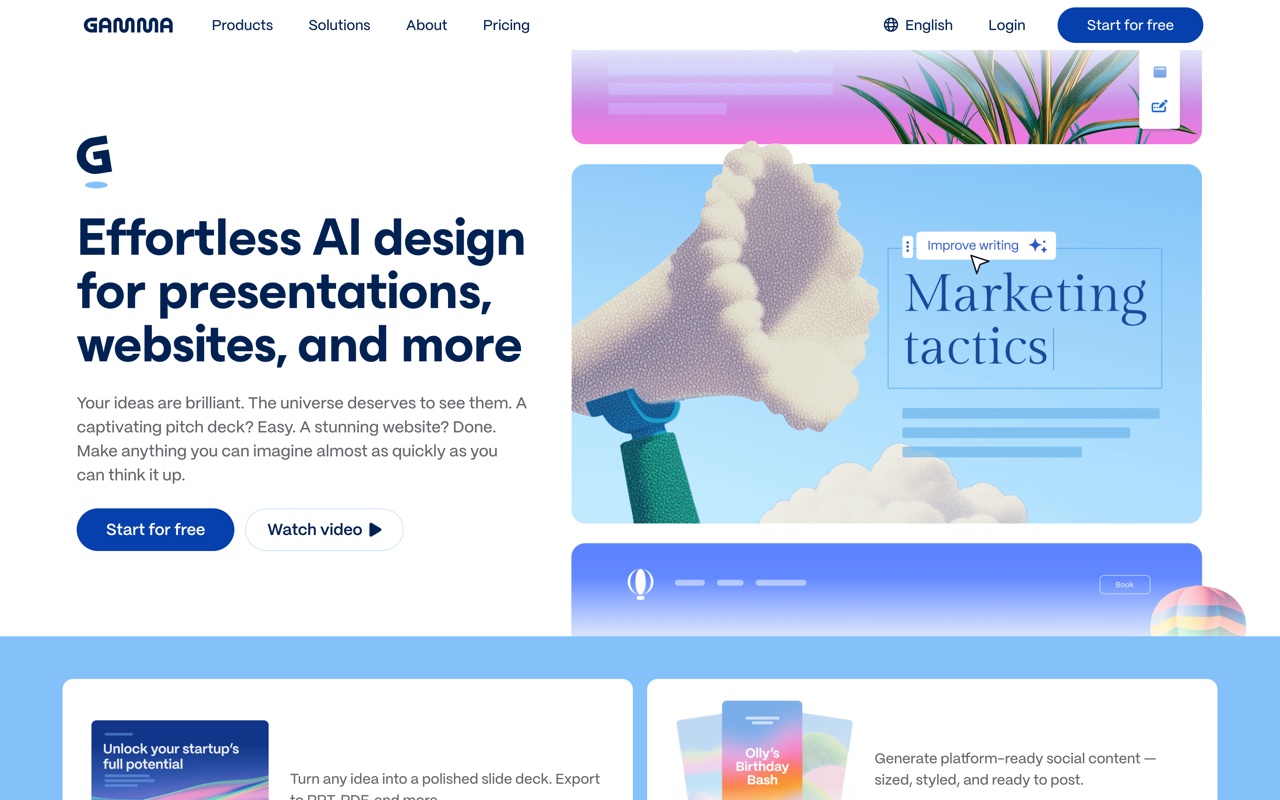 Gamma turns a prompt into a polished deck in about a minute.
Gamma is the fastest path from a sentence to something you'd show, and it's the tool most people mean when they say AI made their deck in a minute. Its native format is the web card, so the .pptx you export is a conversion of that, fine for a handoff, choppier if you keep editing in PowerPoint. Best for momentum and modern-looking decks.
#Beautiful.ai, best for data-heavy decks
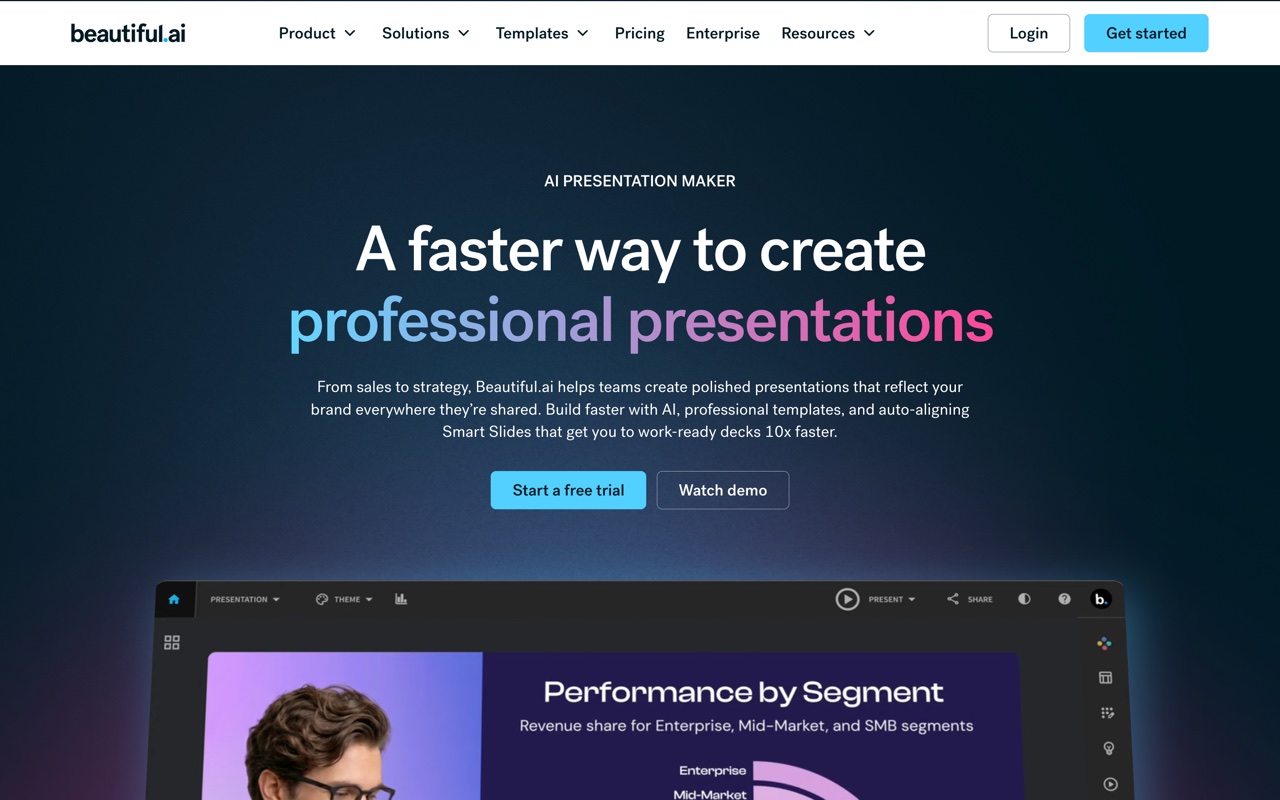 Beautiful.ai's smart templates re-balance the layout as you add content.
Beautiful.ai's smart templates automatically reflow so slides don't get cluttered, which makes it the pick for recurring, data-heavy decks where numbers change often. The adaptive layouts are the product, and they don't survive once a slide becomes a static export, so it's strongest while you work inside it.
#Canva, best inside a design suite
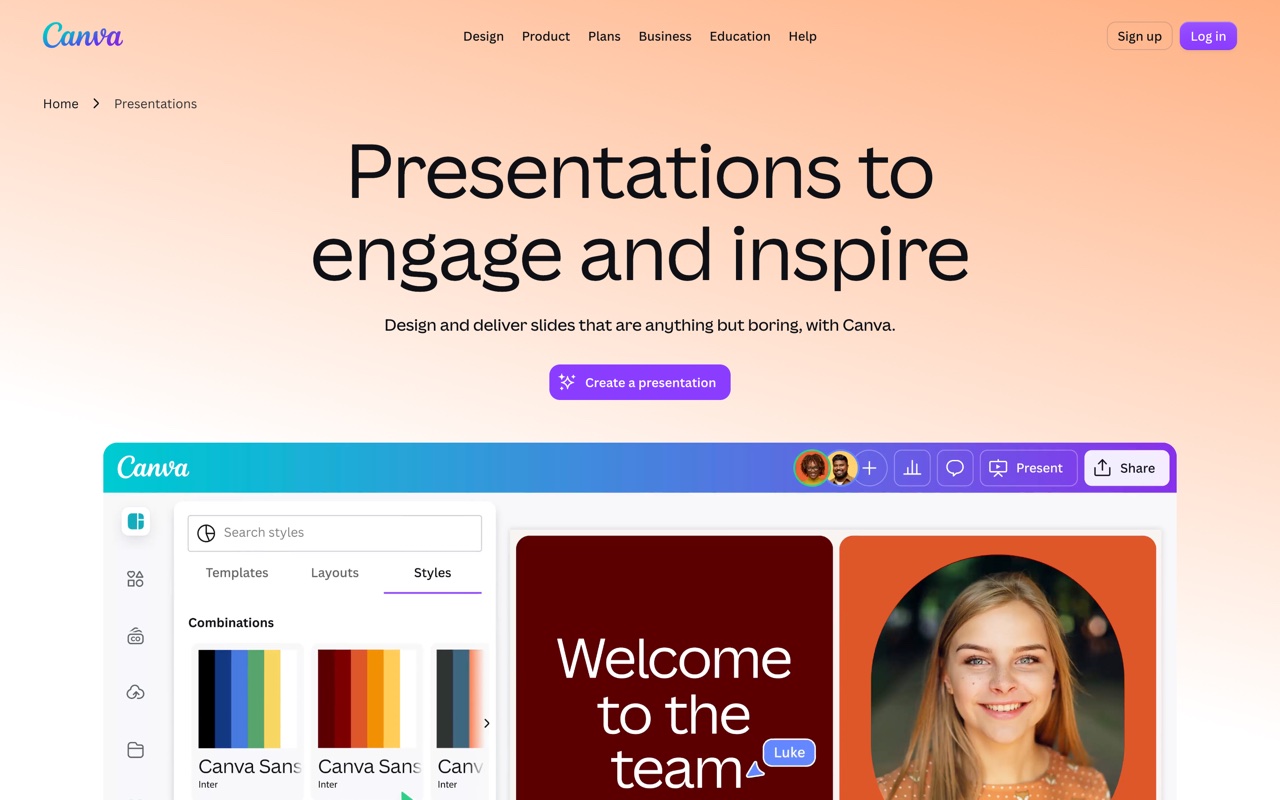 Canva folds AI decks into a much larger design platform.
If your team already lives in Canva, generating a deck with Magic Design and exporting to .pptx keeps everything in one place, and most text survives as editable. Complex Canva-native elements can land partly flattened in PowerPoint, so simple, text-led decks travel best. Best when Canva is already home.
#Presentations.ai, best for business brand consistency
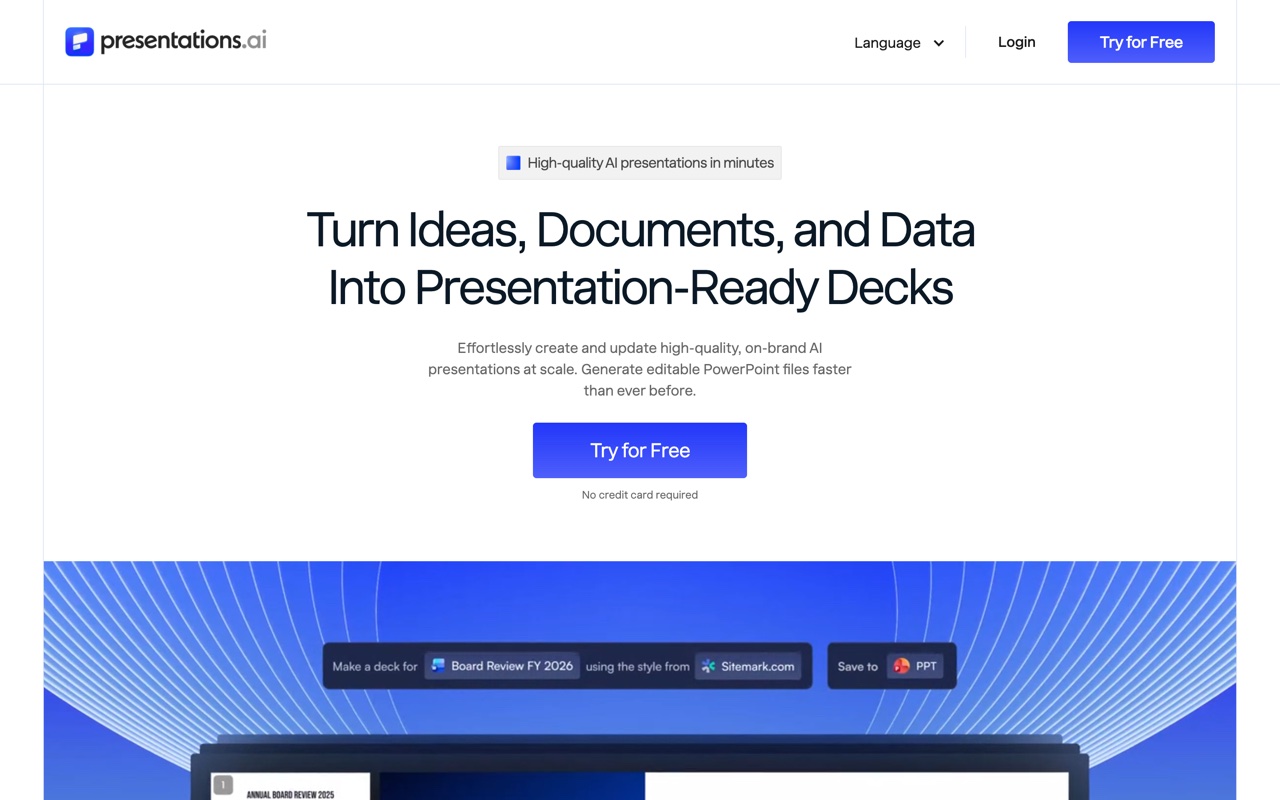 Presentations.ai targets business decks with team brand controls.
Presentations.ai aims at business decks and keeping a team on brand, which makes it a fair pick for standardizing sales and board decks. It's web-first, so test the export on your own deck type before committing a team to it.
#Decktopus, best for a quick guided draft
 Decktopus walks you through a guided flow to a first draft.
Decktopus turns your answers into a draft through a guided flow, which kills the blank page fast. Design control is coarser and the export reflects its template system, so it's best when you'll present the draft roughly as-is rather than rebuild it.
#Slidebean, best for pitch decks
 Slidebean separates content from design, aimed at founders.
Slidebean splits content from design so founders focus on the pitch and let the system style it, a good fit for a first fundraise deck. It's narrower than the general tools and the export tracks its templates, so heavy re-editing in PowerPoint can mean fighting its styling.
#How do these AI PPT generators compare?
The table reads on what decides a generator: what you're making, how the output behaves, brand control, and whether code can call it.
| Generator | Best for | Output | Brand control | API / agent |
|---|---|---|---|---|
| heydecks | A file from code or an agent | Native, editable .pptx | Brand Kernel, URL-extractable | REST + hosted MCP |
| Gamma | Speed | Export from web cards | Themes | Generate API (beta) |
| Beautiful.ai | Data-heavy decks | Static once exported | Locked templates | No |
| Canva | Inside a design suite | Mostly editable | Brand Kit (paid) | Limited |
| Presentations.ai | Business brand consistency | Web-first export | Team controls | No |
| Decktopus | A quick guided draft | Template-bound export | Template-level | No |
| Slidebean | Pitch decks | Template-bound export | Template-level | No |
One column splits the field: only Gamma's beta and heydecks have any programmatic path, which is the one that matters the second a person isn't clicking generate. For the editable-export angle scored on its own, see my AI PowerPoint generator comparison, and for the file-output test specifically, best AI to make a PPT.
#Do AI PPT generators produce editable PowerPoint files?
Sometimes, and it's worth checking before you commit. A generator's output quality depends on how far its native format sits from real slides. Tools that build inside their own web format, Gamma and Beautiful.ai among them, export a conversion, so the .pptx can arrive with text you can't cleanly edit or a chart flattened to a picture. Canva keeps most text editable but can flatten complex elements.
If you'll edit the deck heavily in PowerPoint afterward, that gap matters, so test the download on a real deck rather than trusting the preview. heydecks generates the file server-side as native slides, so the .pptx is editable rather than a flattened export. I scored this specifically in the AI PowerPoint generator comparison and ran the file test across tools in best AI to make a PPT.
#Why doesn't this list include Copilot or Plus AI?
Because they're assistants, not generators, and the distinction changes which tool you want. Microsoft Copilot and Plus AI run inside PowerPoint and Google Slides to help with a file you already have open: rewrite a slide, restructure a section, draft from a Word doc. They don't take a prompt and hand you a finished standalone deck the way the generators above do.
If your situation is "I have a deck and want AI help editing it," an add-in is the right category and a generator would have you rebuild around its output. If it's "I have nothing and want a draft," you want a generator. Picking the wrong category is the most common way people end up frustrated, so I kept this post to generators on purpose.
#What if a generator has to be called by code?
This is the case the browser generators weren't built for: a deck produced by software or an agent, on brand and editable, with no one in the editor. heydecks is the AI slide creator that AI agents call over REST or MCP; from a prompt, markdown, or a URL it returns a live deck link, a PDF, and a native, editable PowerPoint, every export locked to your brand by the Brand Kernel.
It isn't upload-and-convert. You hand it a prompt or a page and it emits a fresh artifact your tools keep editing, the .pptx included. For a SaaS sending every customer a report deck or an agent whose task list includes "make the deck," the question isn't which editor looks best; it's whether a real file comes out with nobody in the loop.
Here's a deck heydecks generated from a single URL, rendered on a sample brand, the same call that returns the editable file.

The deck generation API is the one call that does it, and if you're weighing it against the obvious incumbent, the Gamma alternative for agents page makes the case in full.
#Frequently asked questions
#What is the best free AI PPT generator?
For free generation, Gamma gives you a starter pool of credits and Canva's free plan exports an editable .pptx, while tools like AiPPT and Google's NotebookLM generate decks from your content at no cost. The pattern to watch is that most dedicated generators gate the .pptx export or higher limits behind a paid plan, so a metered free tier runs out fast. For a one-off it's fine; for steady output, price the paid model.
#Can ChatGPT generate a PowerPoint?
Yes, but mostly as the writing brain rather than a clean file. ChatGPT drafts your outline, slide copy, and notes, and with its tools can assemble a downloadable deck, though the formatting tends to be plain and you'll finish it in PowerPoint. It's strongest as the content engine behind a deck; pair it with a slide-native generator or an API if you want a polished, editable file out the other side.
#Is an AI PPT generator better than a PowerPoint template?
A generator is faster to a first draft and a template gives you more manual control, so it depends on the trade you want. A generator writes and lays out the deck from a prompt, getting you to seventy percent in a minute; a template hands you an empty, designed frame you fill yourself. For speed and a starting point, use a generator; for full control over a deck you'll craft slowly, a template still has its place.
#Which AI PPT generator keeps my brand?
Most apply a theme rather than enforce your actual brand. Canva's Brand Kit and Presentations.ai's team controls help, and Prezent targets brand compliance specifically. heydecks enforces your palette, fonts, and logo on every export through the Brand Kernel, which can be pulled from a public URL, so a generated deck comes out on brand rather than on a template's default. If consistency across many decks matters, prioritize real brand enforcement over a theme picker.
Keep reading