The best AI to make a PPT, judged on the file it hands you
The best AI to make a PPT is the one that hands you a genuine PowerPoint file: native slides with editable text and shapes, not a web deck you can only export flat, and not an image of slides. Most AI deck makers generate inside their own editor, so the real test isn't how good the preview looks; it's what survives when you click download.
I build one of these tools, so read this knowing I have a side in it. The reason I'm framing the whole roundup around the file is that it's the thing the category quietly fudges. A demo always looks great in the browser. Then you export to .pptx for the client or the boss who lives in PowerPoint, and the text won't reflow, the chart is a picture, your fonts are gone. So I judged eight tools on one question: when you ask it to make a PPT, do you get a PowerPoint you can actually edit? For the wider category sorted by job rather than by file, my best AI presentation maker roundup covers that cut.
#How do you test whether an AI really makes a PPT?
You open the downloaded file in PowerPoint and try to edit it. Three things tell you what you've actually got. Can you click into a text box and retype, or is the "text" baked into an image? Is a chart still a chart with data behind it, or a flat picture? Did your fonts and brand colors come through, or get substituted?
There's a fourth test that only matters to some readers: can software call the tool at all, or does a human have to sit in a website and click generate? For a one-off deck that's irrelevant. For anyone producing decks on a schedule, it decides everything. I scored the deeper editable-export question on its own in the AI PowerPoint generator comparison; here it's one column of a broader read.
#The tools, judged on the file they hand back
Eight tools people reach for when they want AI to make a PPT, each weighed on the download rather than the demo. heydecks goes first because it's the one I build and the reason this post exists, not because it wins every job.
#heydecks
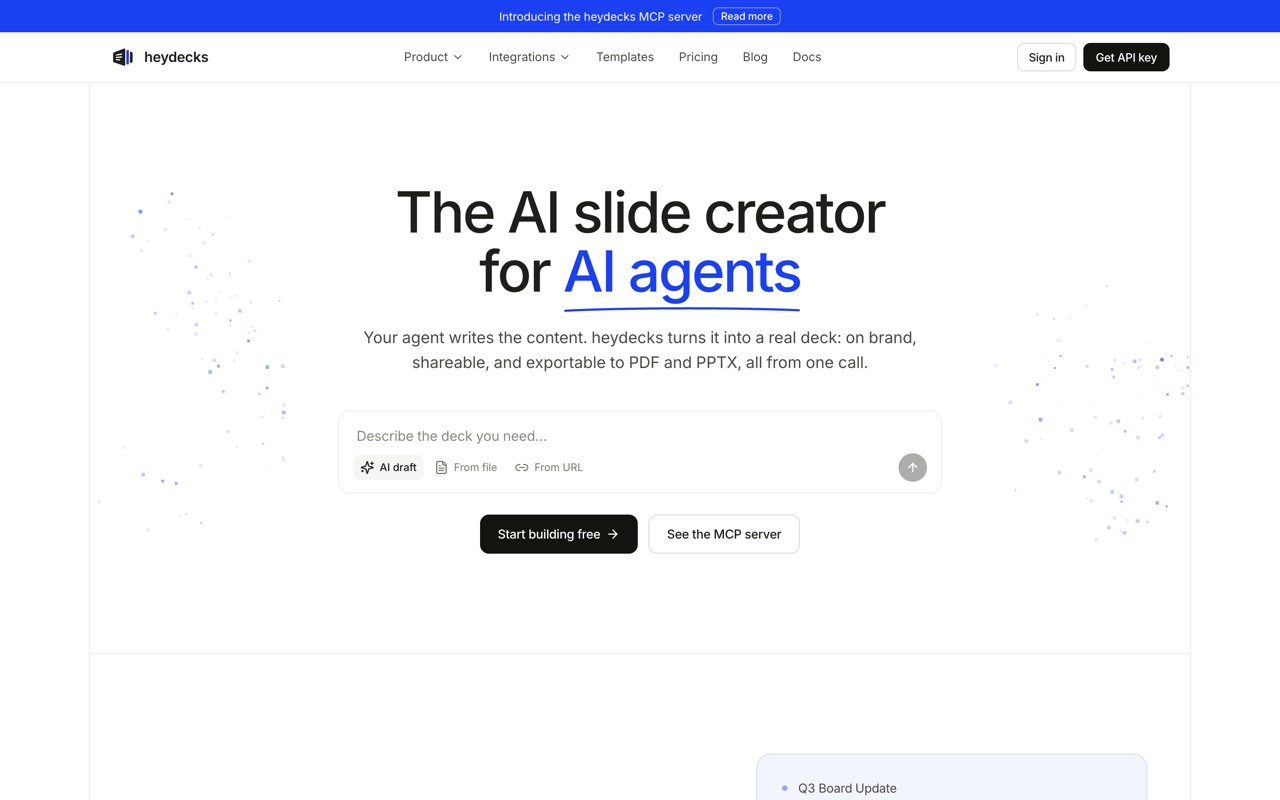 heydecks returns a live deck link, a PDF, and a native, editable PowerPoint from one API or MCP call, every export locked to your brand by the Brand Kernel.
heydecks is the AI slide creator that AI agents call over REST or MCP. From a prompt, markdown, or a URL it returns a live deck link, a PDF, and a native, editable PowerPoint, every export locked to your brand by the Brand Kernel. On the file test it's built for the answer you want: the .pptx is native slides, not a flattened web card. The honest caveat is the shape of the product. There's no editor you sit in; the thing calling it is usually your code or an agent. If you want to hand-design one deck this afternoon, a browser tool will feel friendlier. heydecks earns its place when a real, on-brand file has to come out with nobody at the keyboard.
#Gamma
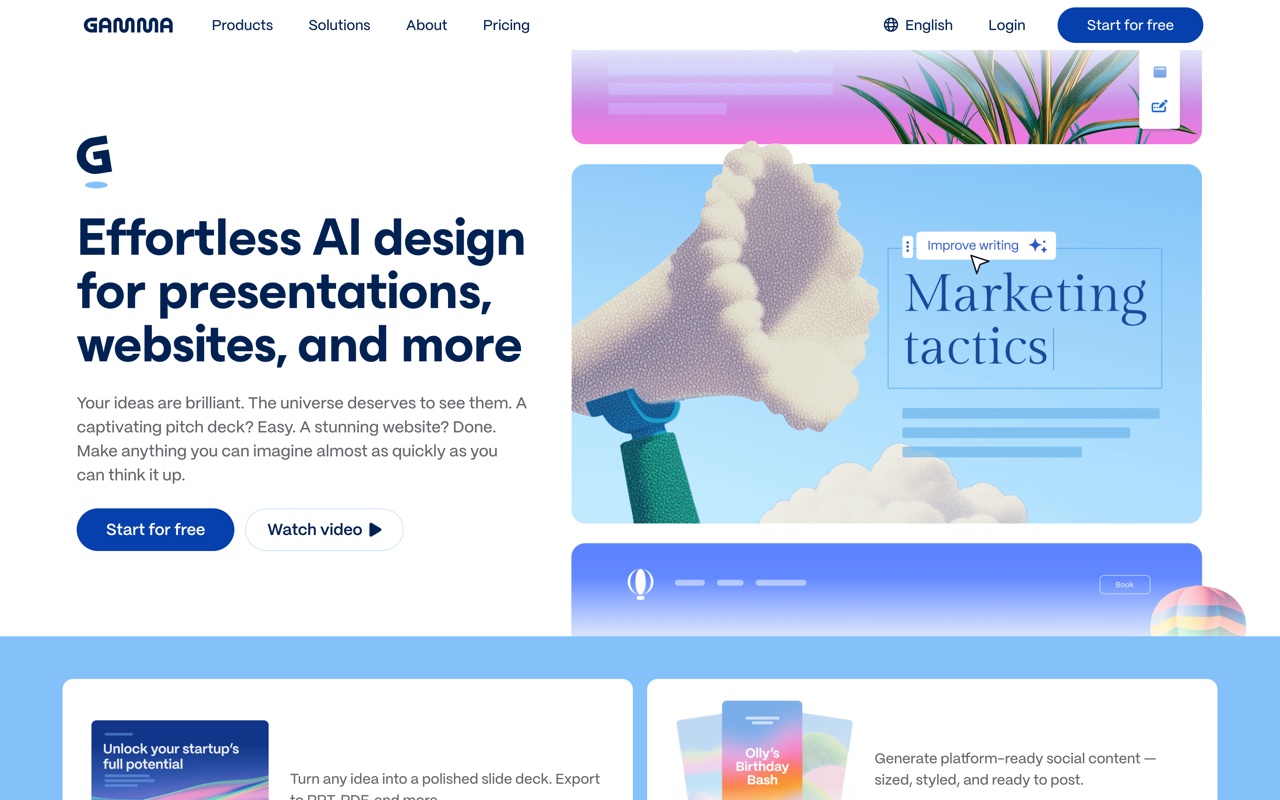 Gamma generates a polished deck from a prompt in about a minute, then exports a .pptx from its web cards.
Gamma is the tool most people mean when they say AI made their deck in a minute, and the on-screen result is genuinely good. The catch sits exactly at the file test: Gamma's native format is the web card, so the PowerPoint you download is a conversion of that. It's fine for a read-only handoff, choppier the moment you want to keep editing in the app. Great first draft, weaker as a source file. The full head-to-head lives in Gamma AI vs heydecks.
#Plus AI
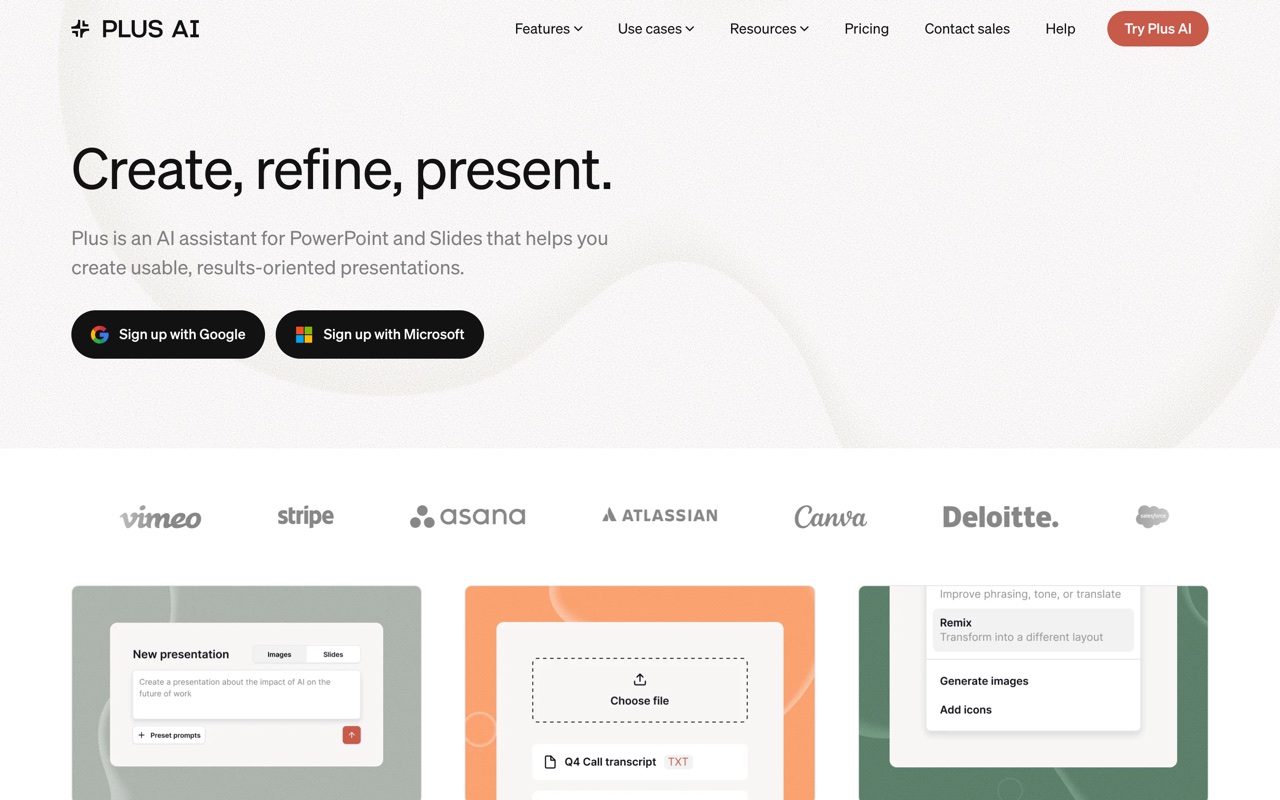 Plus AI runs as an add-in inside PowerPoint and Google Slides, so the output is native to the host app.
Plus AI passes the file test by sidestepping it. It runs as an add-in inside PowerPoint and Google Slides, so there's no separate web deck to flatten; what it generates is already native to whatever app you're in. The trade is that you inherit that host and there's no way to call it from your own code. If staying inside Microsoft or Google is the point, it's a strong pick.
#Canva
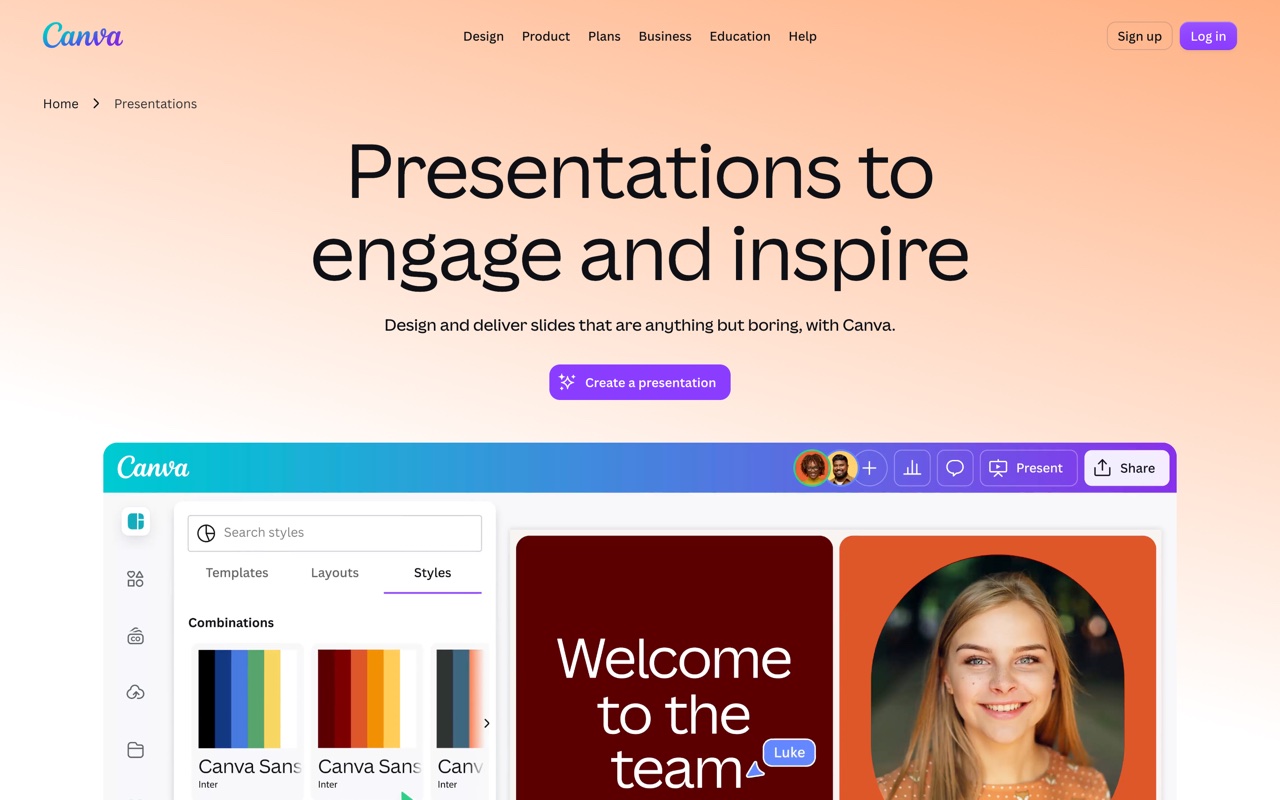 Canva folds AI decks into a much larger design suite, with .pptx export on the back end.
Canva makes a deck through Magic Design and exports to .pptx, and most text survives the trip as editable text. Where it slips on the file test is the fancy stuff: Canva's own frames and grids don't always map onto PowerPoint objects, so a complex slide can land partly flattened. Simple, text-led decks export cleanest; design-heavy ones lose the most.
#Beautiful.ai
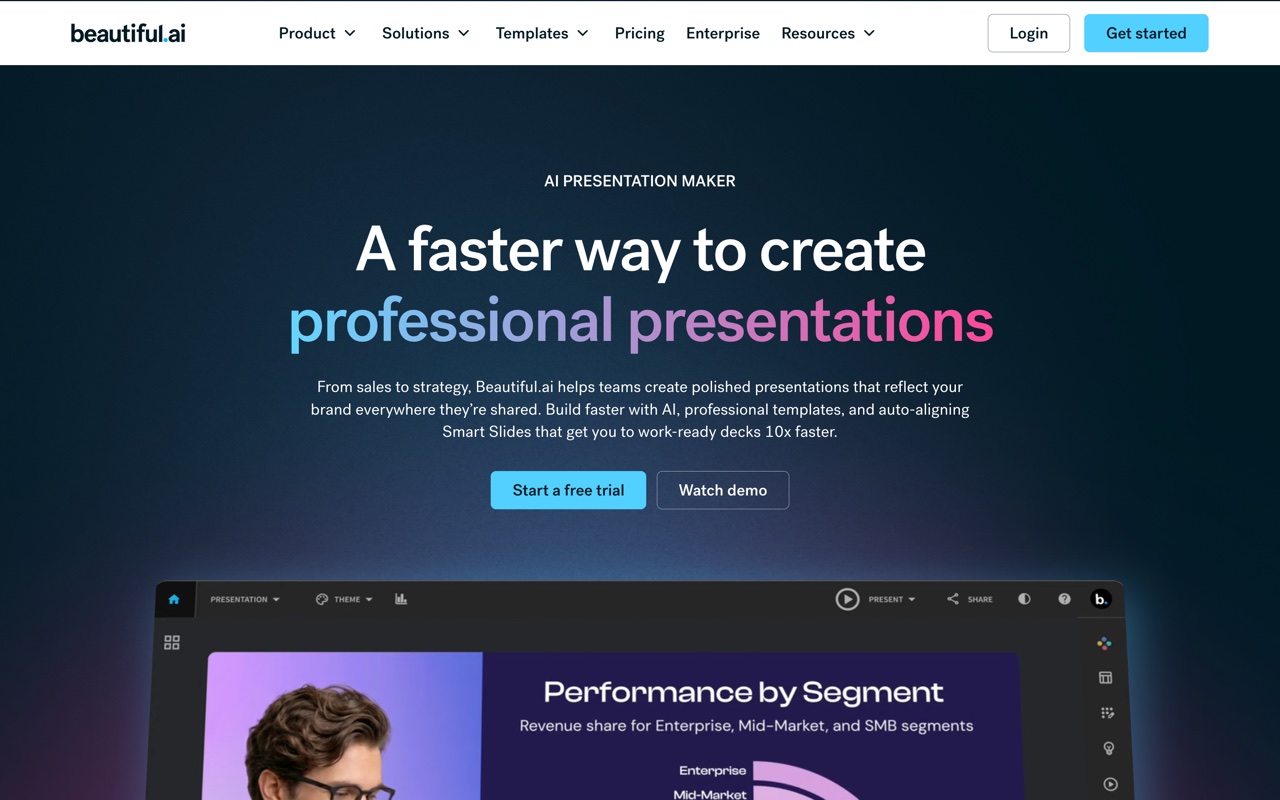 Beautiful.ai uses smart templates that re-balance the layout as you add content.
Beautiful.ai's smart templates are the product: they re-flow the layout as you add content so a slide never gets cluttered. That's also the catch on the file test, because the adaptive behavior is what doesn't survive once a slide becomes a static .pptx. You get a tidy file, but the intelligence that made it tidy stays behind in the app, and exports sit on paid plans.
#Presentations.ai
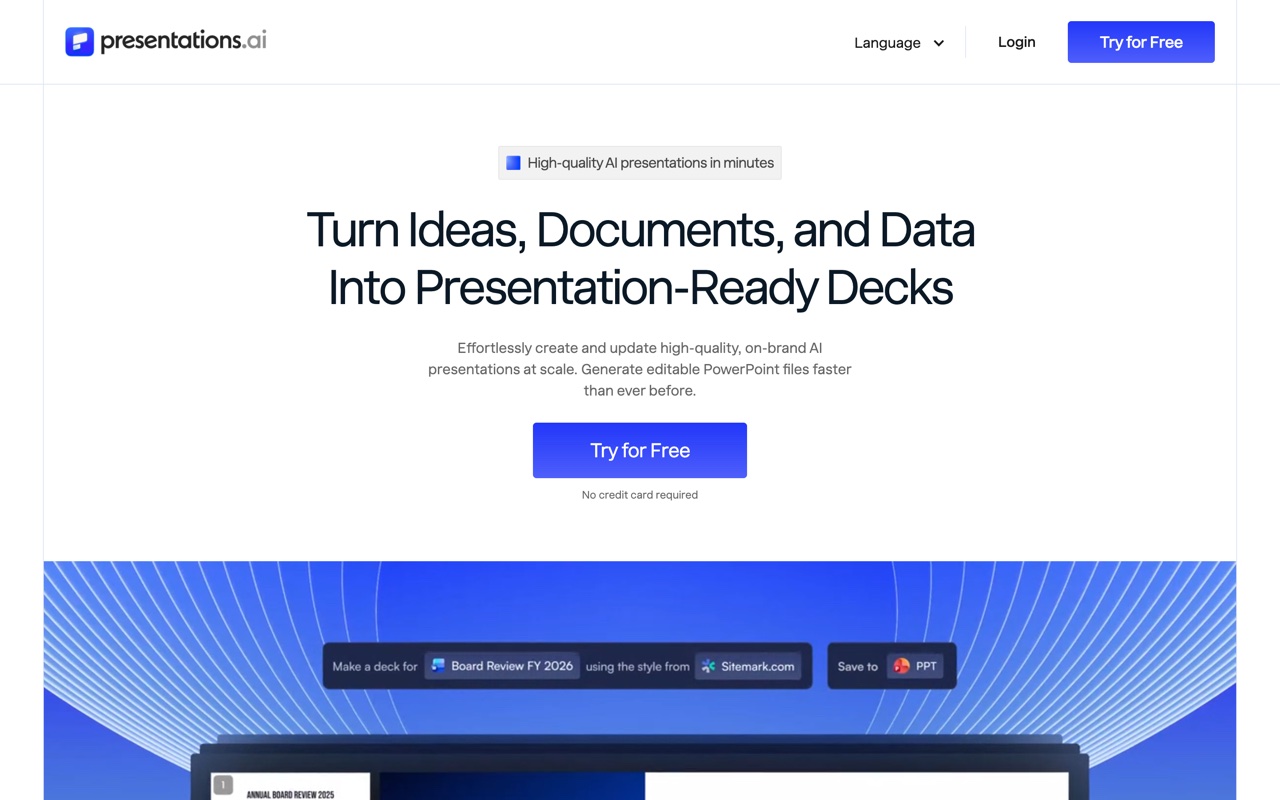 Presentations.ai targets business decks with team brand controls.
Presentations.ai aims at business decks and team brand consistency, and it's web-first, so the fair move is to test the export on your own deck type before you commit a team to it. Generate the kind of deck you actually present, download it, and open the file in whatever your stakeholders use. Promising on brand control; verify the file survives the trip.
#Decktopus
 Decktopus walks you through a guided flow and adds extras like speaker notes.
Decktopus kills the blank-page problem with a guided flow that turns your answers into a first draft. On the file test it's coarser: the exported deck reflects its template system more than a clean, object-by-object build, so it's best when you'll present the draft roughly as-is rather than take it apart in PowerPoint.
#Microsoft Copilot
Copilot doesn't get a screenshot because it lives inside the PowerPoint ribbon rather than on a homepage, and for this query that's the point. It drafts a deck from a prompt, turns a Word document into slides, and rewrites text, all without leaving the app, so the file is as native as it gets. The cost is a paid Copilot license on top of Microsoft 365, and it only works inside the Microsoft world. If you already pay for it, it's the most natural way to make a PPT with AI.
#Which AI makes the most editable PPT?
The fastest read is a table on the one thing this post is about: how the tool makes the file, whether that .pptx is genuinely editable, how well your brand holds, and whether code can call it. Read it against your own workflow, not as a ranking.
| Tool | How it makes the file | Editable .pptx | Brand control | API / agent |
|---|---|---|---|---|
| heydecks | Generated server-side, native slides | Native, first-class | Brand Kernel, URL-extractable | REST API + hosted MCP |
| Microsoft Copilot | In-app, inside PowerPoint | Native, edits in place | Inherits your 365 template | No public API |
| Plus AI | In-app add-in (PowerPoint, Slides) | Native, runs in host | Inherits host template | No |
| Gamma | Web cards, exported to .pptx | Conversion of web cards | Themes | Generate API (beta) |
| Canva | Design suite, .pptx export | Mostly editable, some flattening | Brand Kit (paid) | Limited |
| Beautiful.ai | Smart templates, exported | Static once exported | Locked templates | No |
| Presentations.ai | Web-first, exported | Web-first, verify it | Team brand controls | No |
| Decktopus | Guided flow, template export | Coarser, template-bound | Template-level | No |
Two things fall out. The in-app tools hand you a native file because they never leave PowerPoint, while the web generators hand you an export whose quality tracks how far their native format sits from real slides. And only two rows have any programmatic path, which is the column that matters the second a person isn't the one clicking generate. The wider in-app-versus-generator split sits in my best AI for PowerPoint comparison.
#Which AI to make a PPT should you pick?
Match the tool to who's making the file. If you already pay for Microsoft 365, Copilot is the path of least resistance and hands you a native file inside the app. If you bounce between Google Slides and PowerPoint, Plus AI covers both as an add-in. If you're starting from a blank page and want a designed draft in a minute that you'll mostly present as-is, Gamma is the fastest, with Beautiful.ai the pick when a disciplined, consistent look matters more than speed.
Then there's the case none of those serve: the file has to come out of code or an agent, on brand, with nobody clicking. That's heydecks, and it's the wrong tool for hand-designing one deck this afternoon, so be honest with yourself about which situation you're in. The split isn't which editor is prettiest; it's whether a person or a machine is making the deck.
#Can ChatGPT or Claude make a PPT?
Yes, but mostly as the writing brain, not a clean file out of the box. ChatGPT will draft your outline, slide copy, and speaker notes, and with its tools it can assemble a downloadable deck, though the formatting tends to be plain and you'll finish it in PowerPoint. It's excellent at the thinking and rough at the design.
Claude reaches a deck a little more directly. There's a Claude for PowerPoint add-in that drafts and revises slides on the file you have open, and because Claude speaks MCP, it can call a slide tool itself rather than just describing one. That's the bridge to the case below: a general chatbot is the content engine, and you still want a slide-native tool, an add-in, or an API underneath it to turn that thinking into a file people can edit.
#What if code or an agent has to make the PPT?
This is the case none of the browser tools were built for: a PowerPoint produced by software or an AI agent, on brand and editable, with nobody in the editor. heydecks is the AI slide creator that AI agents call over REST or MCP; from a prompt, markdown, or a URL it returns a live deck link, a PDF, and a native, editable PowerPoint, every export locked to your brand by the Brand Kernel.
It isn't upload-and-convert. You hand it a prompt or a page and it emits a fresh artifact, the .pptx included, that your tools keep editing. The situations where it's the only sane answer are specific: a product mailing every customer a branded report deck, an agent whose task list includes "make the deck," a nightly job turning CRM rows into client decks before anyone's awake. For those, the question was never which editor looks best; it's whether a real, editable file comes out with no human in the loop.
Here's a deck heydecks generated from a single URL, rendered on a sample brand, the same call that returns the editable .pptx.

The deck generation API is the one call that does the work, and if you're weighing it against the obvious incumbent, the Gamma alternative for agents page makes the case in full.
#Frequently asked questions
#What is the best AI to make a PPT for free?
Canva's free plan exports an editable .pptx, since presentations are a small slice of a product it monetizes elsewhere, and Gamma gives you a starter pool of credits. The pattern to watch is that most dedicated tools gate the .pptx export or higher limits behind a paid plan, so a metered free tier runs out fast under steady use. For a one-off, free is fine; for regular output, price the paid model before you commit.
#Can AI make a PowerPoint I can actually edit?
Yes, but not every tool does. In-app assistants like Copilot and Plus AI hand you a native, fully editable file because they never leave PowerPoint. Web generators export a conversion of their own format, so editability ranges from "mostly fine" to "the text is an image." If editing afterward matters, pick a tool that produces native slides rather than one that exports a flattened picture of them.
#How do you make a PPT using AI?
You describe the deck, the tool drafts it, and you refine. With a browser generator you type a prompt and edit in its web app, then export. With an add-in you stay inside PowerPoint and generate in place. With an API like heydecks, your code or an agent sends the prompt or markdown and gets back a deck link plus an editable file, no editor involved. Pick the path that matches who, or what, is doing the work.
#Is there an AI tool that makes a real PowerPoint file, not just a web deck?
Yes. In-app tools (Microsoft Copilot, Plus AI) produce native PowerPoint because they run inside the app, and heydecks generates a native, editable .pptx server-side over its API or MCP. Pure web generators like Gamma and Beautiful.ai are strongest on screen and hand you an export whose fidelity depends on how close their native format is to actual slides, so test the download before you rely on it.
Keep reading